
Nero Niche resources
Guides for saving useful information — and actually finding it again.
Practical explainers, comparisons, and Sendlore workflows for people trying to manage bookmarks, read-later queues, research, videos, notes, and other useful material without turning their archive into another place to lose things.
Start here
Understand the problem before choosing another tool.
If your saved links keep disappearing into folders, apps, and browser tabs, these guides explain what is going wrong and which class of tool actually matches the job.
Why Saved Links Become a Black Hole
Saving is nearly frictionless. Retrieval is not. This guide breaks down why large bookmark collections become hard to use and what changes when you preserve context instead of only the URL.
Core reading
Build a better mental model for your saved information.
AI bookmarking
What Is an AI Bookmark Manager?
Learn how summaries, tagging, semantic search, and natural-language retrieval differ from traditional bookmark storage.
Tool selection
Read-It-Later Apps vs. Bookmark Managers
Use this when you are deciding whether your main problem is reading what you saved or recovering it later as reference material.
Retrieval
Why Saved Links Become a Black Hole
Understand why archives degrade as they grow and why title-and-folder recall breaks down over time.
Compare tools
Choose based on the job, not the category label.
These comparisons are written around different saving and retrieval needs. Sendlore is included where relevant and identified as a Nero Niche product rather than presented as a neutral third-party recommendation.
Comparison
Best AI Bookmark Managers
Compare tools built around searchable saved content, AI-assisted organization, and conversational retrieval.
Comparison
Best Read-It-Later Apps for 2026
Compare reading-focused and save-for-later tools by use case rather than assuming one app fits every library.
Comparison
Best Pocket Alternatives After the Shutdown
Options for replacing Pocket depending on whether you need reading, bookmarking, highlights, or deeper retrieval.
Sendlore guides
Learn the product through specific jobs.
These pages explain what Sendlore currently does, where it fits, and the limitations that matter when you are deciding whether to use it.
AI search for bookmarksHow hybrid retrieval finds saved links by words and meaning without requiring exact titles.
Import bookmarks into SendloreBring an existing archive into Sendlore and understand the difference between light and richer captures.
Chrome extensionCapture pages and context while you browse instead of returning later to organize a tab backlog.
Security & privacyReview current data-handling, access, and sharing details without relying on broad marketing claims.
Help CenterSetup and product guidance for people already using Sendlore.
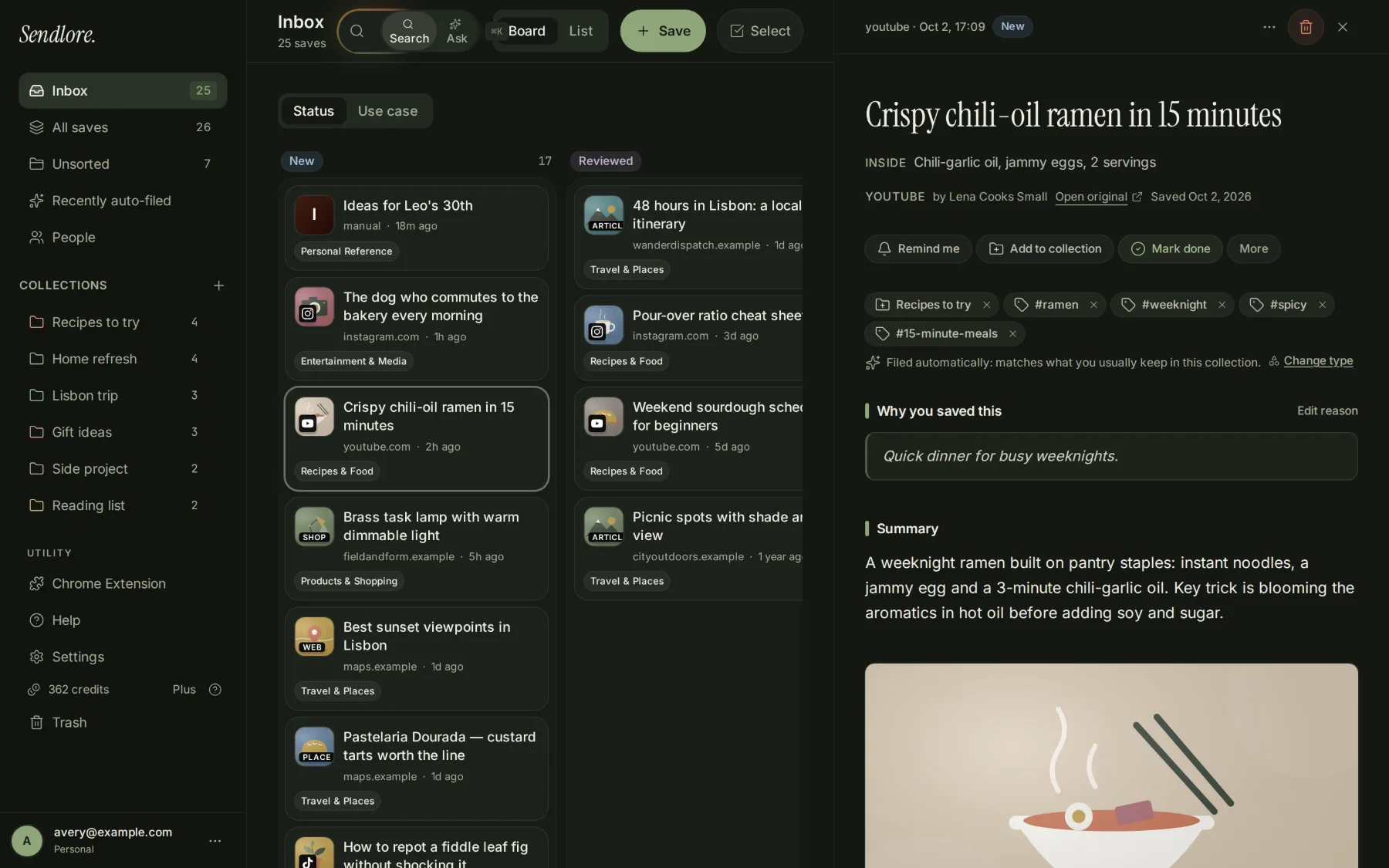
Workflows
See how the same library model changes by job.
The product is broad, but the value only becomes concrete when tied to a repeated workflow. These pages focus on the research and retrieval problems different users actually have.
Students & researchersKeep research materials, provenance, notes, and searchable context together without pretending Sendlore replaces a citation manager.
Founders & buildersKeep competitor research, customer evidence, technical references, and decision context findable across product cycles.
Creators & marketersTurn saved examples, campaigns, posts, and source material into a searchable swipe file you can revisit later.
For the broader overview, see Sendlore use cases or Who Sendlore is for.
From reading to retrieval
Found something useful? Keep the source and why it mattered.
Sendlore is built for the part after discovery: preserving useful material with context and making it easier to find again when you actually need it.