
Sendlore import
Import bookmarks into Sendlore
Bring an old bookmark library, saved-post archive, or list of links into Sendlore and turn it into a working knowledge library you can search, organize, and revisit.
Free light import of up to 1,000 links. Deeper reading uses credits.
How it works
Move the library first. Clean it up after.
You do not need to manually recreate years of saved links one at a time. Export or collect your saves from the service you already use, bring them into Sendlore, then organize the useful material inside one library.
Export or collect your saves
Start with the bookmark or saved-content export provided by your browser or platform, or gather a plain list of URLs.
Choose the matching import
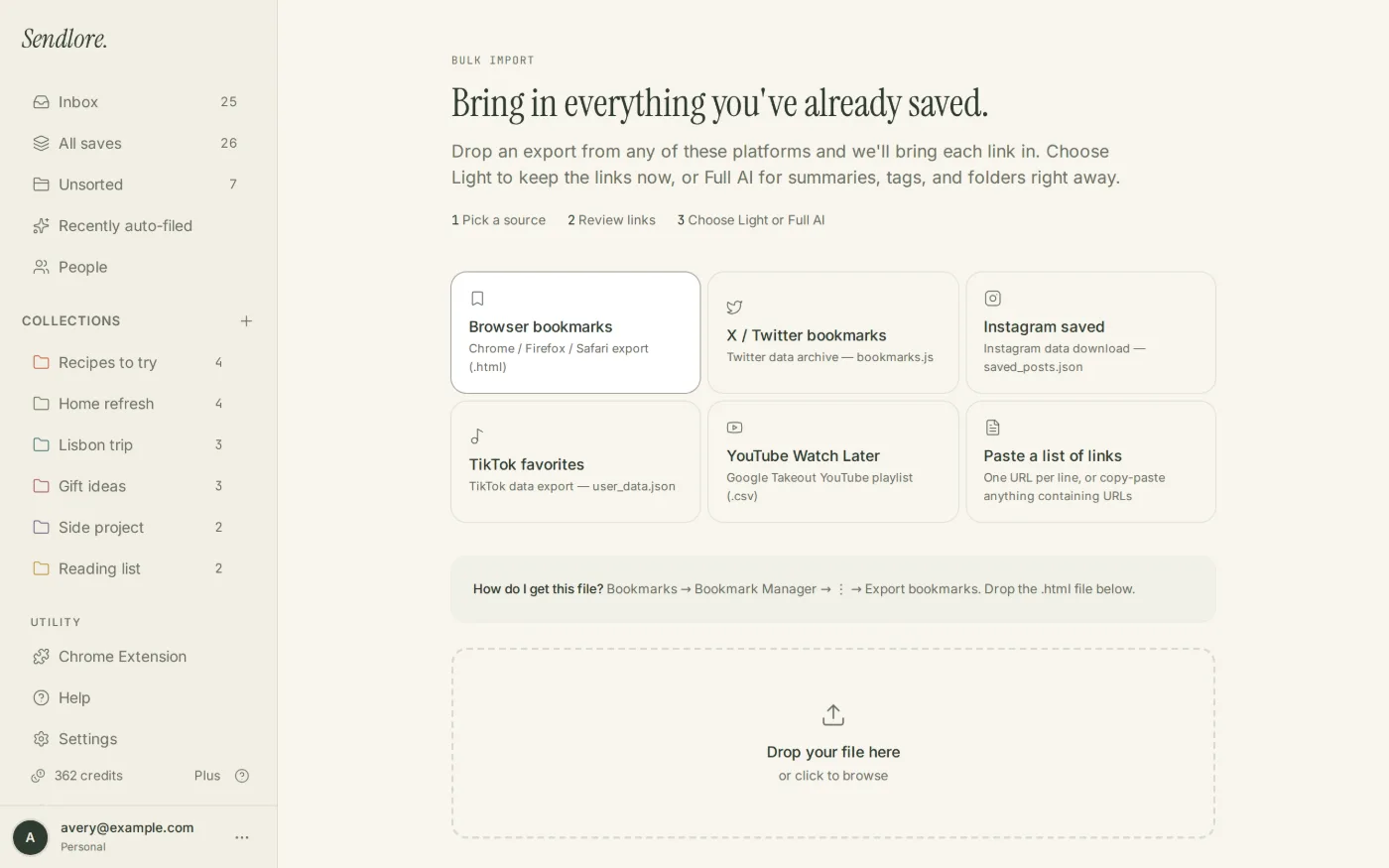
Open Sendlore’s import flow and use the option for your source. You can also paste a list of links when that is the simplest route.
Bring in the library
A light import creates saves from the links and available details. On the Free plan, the light import supports up to 1,000 links.
Read, organize, and search
Sendlore can process imported sources more deeply as credits allow, then you can refine collections, types, and tags and search the information that was captured.
Supported starting points
Bring saves from the places they tend to accumulate.
Sendlore currently provides import paths for common bookmark and saved-content sources. The exact information available after import depends on what the source export contains and what Sendlore can successfully read from each destination URL.
Browser bookmarks
Move a browser bookmark collection into Sendlore instead of rebuilding folders link by link.
X bookmarks
Bring saved X links into the same library as the articles, videos, and notes connected to your research.
Instagram saved posts
Move exported saved-post links into a searchable library rather than leaving them buried inside one app.
TikTok favorites
Import favorite links and keep them alongside the rest of the material you save for projects, ideas, or reference.
YouTube exports
Bring exported YouTube saves into Sendlore, where supported videos can be processed with richer context such as transcripts.
Pasted link lists
Already have URLs in a document, spreadsheet, note, or export? Paste the links instead of moving them individually.
After the import
Turn a pile of URLs into something you can actually use.
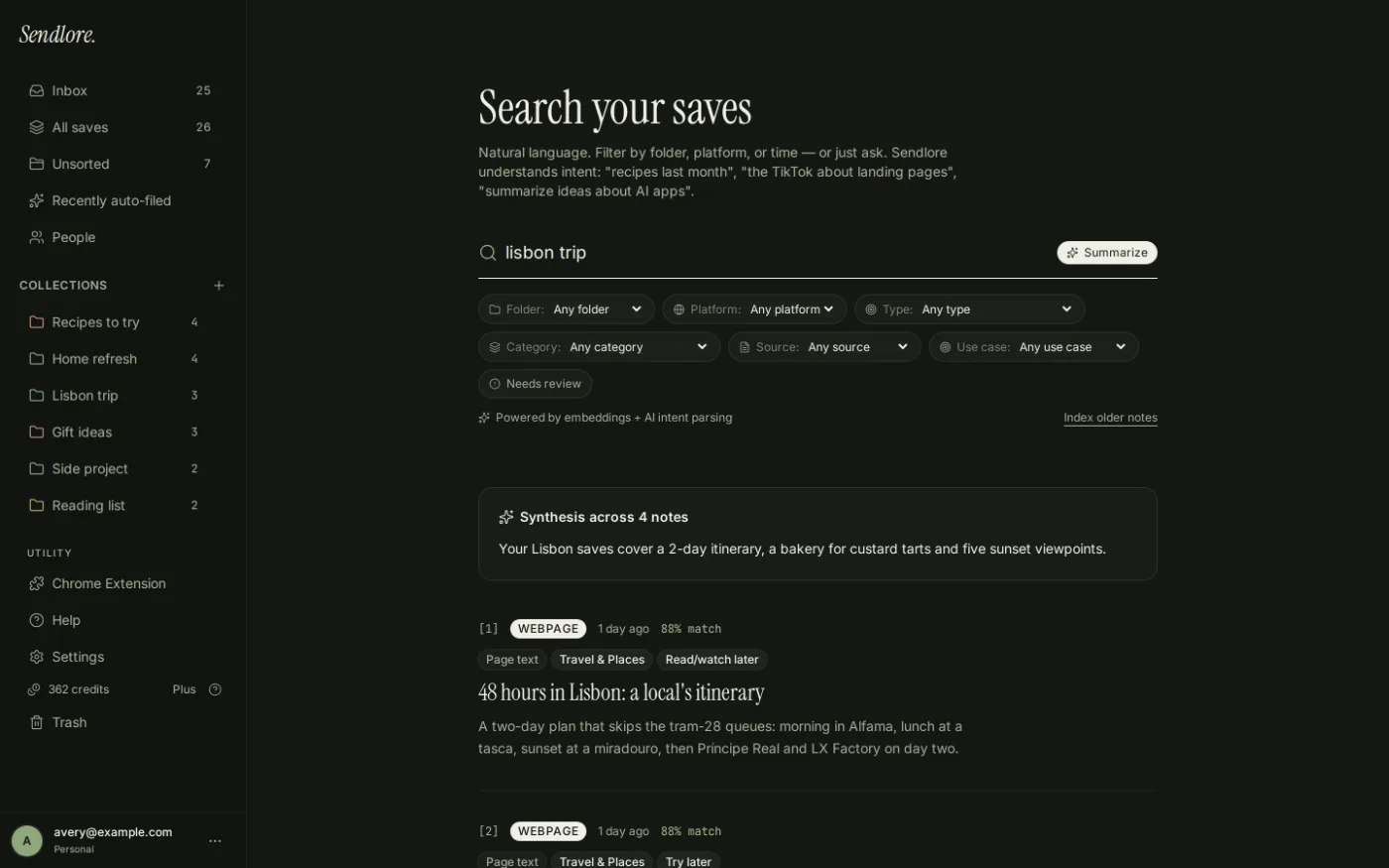
Importing is only useful if the old library becomes easier to work with. Once the items are in Sendlore, you can use the same organization and retrieval tools as the rest of your saves.
Light import vs. full reading
Importing a link is not the same as fully processing it.
That distinction matters for a large archive. Sendlore can bring links into your library quickly, then use credits when it needs to read a source more deeply.
A successful import does not guarantee the same amount of captured text for every URL. Some sources expose rich content; others may provide only limited metadata. Keeping the original link attached means the source is still available when you need to verify it.
Questions
Importing bookmarks and saved content
How many bookmarks can I import for free?
The Free plan includes a light import of up to 1,000 links. Deeper processing of imported sources uses credits as Sendlore reads new content.
Can I import browser bookmarks?
Yes. Browser bookmarks are one of the import options currently presented in Sendlore.
Can I import saved social posts?
Sendlore currently includes import paths for X bookmarks, Instagram saved posts, and TikTok favorites, along with YouTube exports.
What if I only have a list of URLs?
You can use a pasted list of links rather than rebuilding the saves one at a time.
Will every imported link become fully searchable?
Searchability depends on the information available from the import and what Sendlore successfully captures when a source is processed. Some URLs provide richer text or transcripts than others.
Can I reorganize imported items later?
Yes. Collections, types, and tags can be changed after the items are in your library.
For broader product questions, see the Sendlore FAQ. For data handling details, review Security & Privacy.
Start with the backlog
Your old bookmarks can become useful again.
Bring the links into one library, keep their sources attached, and organize or process the items that are still worth keeping.