
AI search for bookmarks
Find saved links by what you remember, not what they were called.
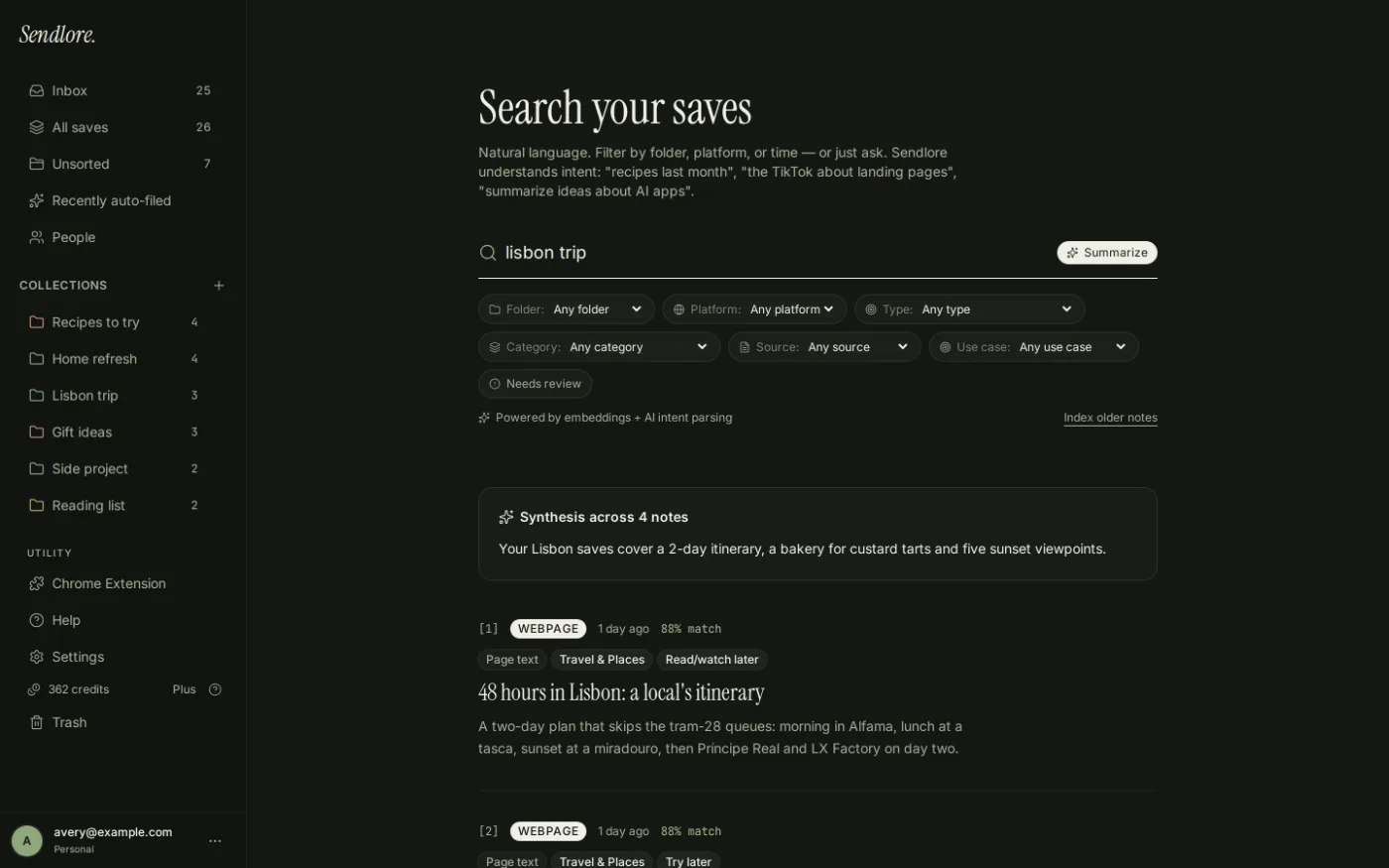
Sendlore searches across the words and meaning in your saved library, so you can describe the idea, detail, person, project, or source you remember instead of guessing an exact page title or digging through folders.
Search does not use reading credits. Results depend on the information Sendlore actually captured from each save.
How it works
AI search without throwing away normal search.
Sendlore uses a hybrid retrieval system. It can reward an exact identity or lexical match while also using semantic similarity to find saves that mean the same thing in different words. That matters because a bookmark search should not bury the obvious result just because an embedding prefers something else.
Describe what you remember
Type a normal phrase such as a topic, fragment, person, project, source, or remembered detail. You do not need a special prompt format.
Sendlore searches words and meaning
Hybrid retrieval combines exact and full-text signals with semantic similarity. Exact identity matches are protected from being pushed below looser AI matches.
Open the save and source
Results stay connected to the saved note and original URL, so retrieval leads back to the context and source instead of ending at an AI-generated answer.
Search like a person remembers
You rarely remember the exact bookmark title.
Human recall is usually partial: what the source was about, where you saw it, roughly when you saved it, or the reason it mattered. Sendlore is designed around those fragments.
A meaning-based query can retrieve relevant notes even when the page title never used your exact wording.
Structured cues such as platform and time can help narrow the retrieval set while the remaining words carry the topic.
Your own notes, folder context, titles, summaries, and captured source material can all contribute when available.
Semantic retrieval can connect related wording such as user research, discovery calls, or interview notes when the saved content supports the match.
More than bookmark titles
Search the information attached to the save.
A saved link becomes easier to recover when Sendlore has more evidence than a URL and title. The searchable record can grow as a source is successfully read and enriched.
Search vs. Ask
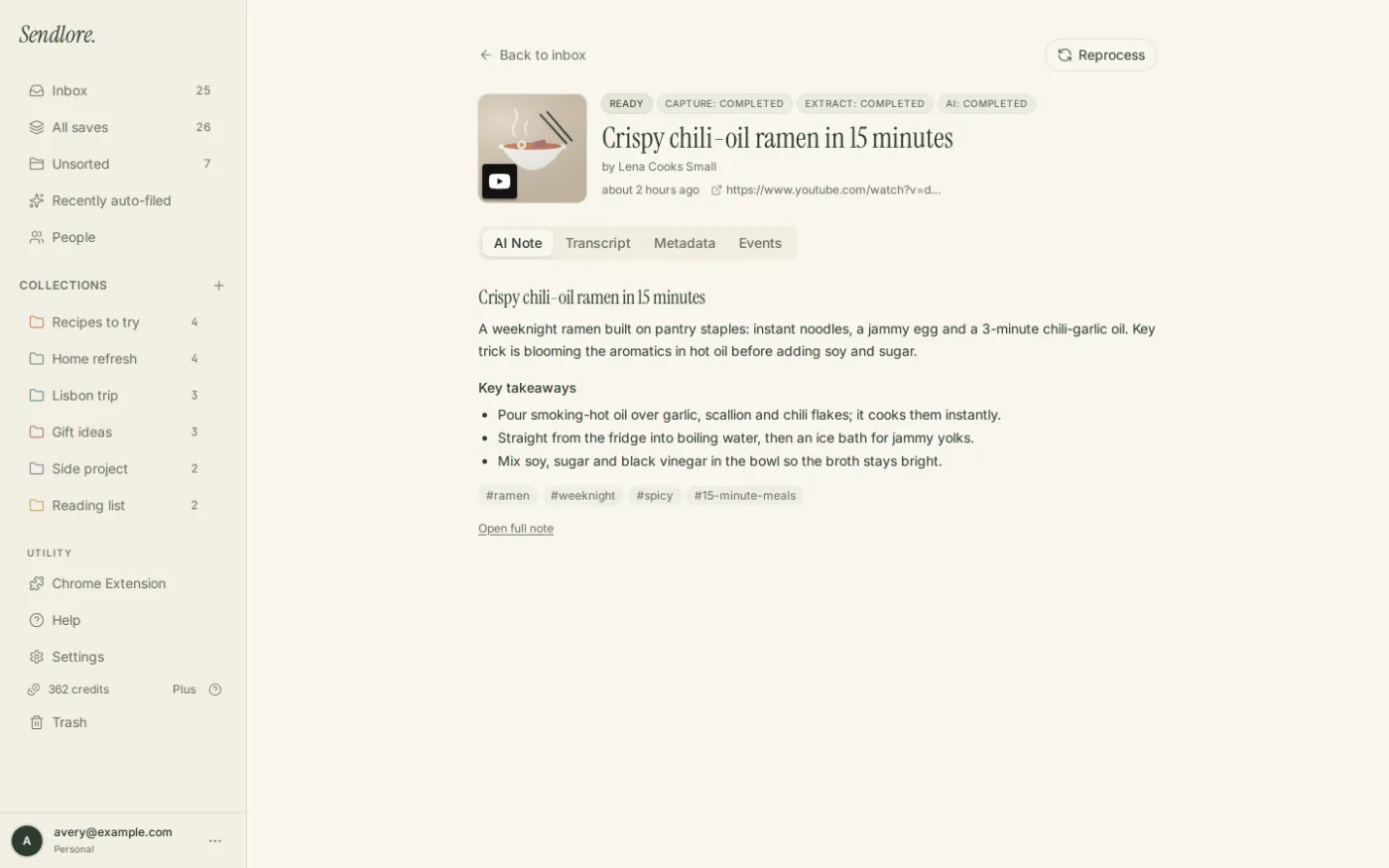
Use Search to retrieve. Use Ask to synthesize.
They solve different problems. Search helps you recover the individual saves that match what you remember. Ask is for questions that need an answer assembled from several saved sources.
Narrow when you need to
Natural language first. Filters when precision helps.
You do not have to organize perfectly before searching. But when the library grows, filters can reduce noise without replacing semantic retrieval.
- FolderSearch within a project or collection you already use.
- PlatformNarrow to sources such as YouTube, Instagram, TikTok, Reddit, X, or web pages.
- TimeQueries can recognize common relative time phrases such as today, last week, or last month.
- Type and structured attributesThe Search interface exposes additional filters for item type and other classified attributes where available.
- Explicit tag or category syntaxAdvanced searches can use explicit tags or categories without treating every topical word as a hard filter.
Important limit
AI search cannot recover information Sendlore never captured.
A good search system should make its evidence boundary clear. Source restrictions, missing transcripts, inaccessible pages, light imports, and metadata-only captures all affect what can be retrieved by meaning.
A light save can retain the link and available details and remain searchable by that information. Deeper AI reading can add summaries, extracted text, transcripts, OCR, or other context when the source allows and credits are available.
Questions
AI bookmark search FAQ
Can I search bookmarks without remembering the exact title?
Yes. Sendlore can use semantic similarity as well as exact and full-text matching, so you can search by an idea or remembered detail. The quality of the match still depends on what information exists on the saved item.
Does Sendlore only use semantic search?
No. Sendlore uses hybrid retrieval. Exact identity and lexical matches are valid evidence on their own, while semantic similarity helps recover conceptually related saves that use different words.
What content can Sendlore search?
Depending on what was captured, search can draw from fields such as titles, summaries, page text, transcripts, OCR, tags, source details, and your own notes. A metadata-only or light save contains less searchable evidence than a richer capture.
Can I filter search results?
Yes. The Search interface supports filters including folder and platform, plus additional structured filters. Natural-language queries can also recognize some structured cues such as dates, platforms, and folder names.
What is the difference between Search and Ask?
Search retrieves matching saves. Ask is for synthesizing an answer from retrieved saved content and linking back to the supporting notes. They share retrieval concepts but serve different tasks.
Does search use credits?
No. Search does not use reading credits. Credits are used when Sendlore reads or processes new source content. Ask also does not spend reading credits, although Ask usage is limited by plan.
Can I search imported bookmarks?
Yes. Imported links become part of your Sendlore library. Light imports initially contain less searchable information; deeper processing can add richer context as credits allow and the source permits.
Stop reconstructing the folder path
Search for the thing you remember.
Save useful sources with context, bring in old bookmarks, and retrieve them by the words or meaning you still remember later.