By Nero Niche · Last updated July 6, 2026
A read-it-later app is built for reading what you saved – clean text, offline access, one article at a time. A bookmark manager is built for organizing and finding what you saved – folders, tags, search, and reference over time. The two terms get used interchangeably, but they're built for opposite ends of the same habit.
What is a read-it-later app
A read-it-later app is a tool built around reading content you've saved, later, in a clean and distraction-free format.
The core idea is a reading queue: you save something in the moment – usually a long article you don't have time for right now – and the app strips out ads, popups, and site clutter so you can read it later in a consistent, calm layout. Most read-it-later apps support offline reading, so your queue works on a plane or anywhere without a signal, and many add highlighting so you can mark passages as you go.
Examples: Instapaper, Matter, Readwise Reader, GoodLinks, and – until it shut down in 2025 – Pocket, the app that made the category mainstream in the first place.
What a read-it-later app isn't built around: deep organization. Most have basic tags at best, and finding something you saved months ago by describing it loosely, rather than remembering the title, usually isn't the strong suit here.
What is a bookmark manager
A bookmark manager is a tool built around organizing and finding links you've saved, across however long you've been saving them.
The core idea is a reference library: you save a link – an article, a tool, a page you'll want again – and file it with folders, tags, or collections so you can find it later, sometimes years later. Bookmark managers typically have a browser extension for saving from anywhere, sync across devices, and search across your whole saved library, not just one article at a time.
Examples: Raindrop.io, Pinboard, Diigo, or even your browser's own built-in bookmarks bar, which is a bookmark manager in the most basic sense.
What a bookmark manager isn't built around: reading experience. Most don't strip ads or format pages for distraction-free reading, and offline reading – if it exists at all – is usually a secondary feature, not the point.
Read-it-later app vs. bookmark manager, side by side
The two categories overlap in what they let you do – both let you save a link – but they're optimized for opposite ends of the same habit: one for the moment you come back to read, the other for the moment you're trying to find something again.
| Purpose | Reading experience | Organization | Search | Offline access | Typical examples | |
|---|---|---|---|---|---|---|
| Read-it-later app | Read what you saved, cleanly, later | Core strength – distraction-free, formatted for reading | Light – basic tags at most | Usually title/keyword only | Usually yes, built-in | Instapaper, Matter, Readwise Reader, GoodLinks |
| Bookmark manager | Find and organize what you saved | Secondary at best – not built for reading | Core strength – folders, tags, collections | Often stronger – full-text on some | Sometimes, often secondary | Raindrop.io, Pinboard, Diigo |
Notice the pattern: everywhere one category is a core strength, the other treats it as an afterthought. That's not a flaw in either one – it's the actual design tradeoff, and it's why picking based on what you'll actually do with your saves matters more than picking based on which app is more popular.
Which one do you actually need
Match the category to what you actually do with a saved link, not to which app you've heard of most.
- Mostly want to read what you save, cleanly, later? A read-it-later app is enough. If your habit is "save an article at lunch, read it on the train home," that's exactly what this category is built for.
- Mostly want to find something you saved weeks or months ago? A bookmark manager fits better. If your habit is closer to "I know I saved this somewhere, where is it," organization and search matter more to you than a polished reading view.
- Save a mix of articles, videos, and social posts, and need to find things again, not just read them? Neither category alone fully fits. Read-it-later apps are built around article text, and traditional bookmark managers rely on folders and tags you maintain yourself – neither handles "I saved a TikTok three weeks ago and can't remember what it was about" particularly well.
That third case is common enough, and different enough from the first two, that it's worth its own explanation – which is where a newer category, AI bookmark managers, comes in.
Where AI bookmark managers fit in
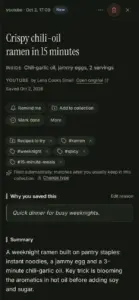
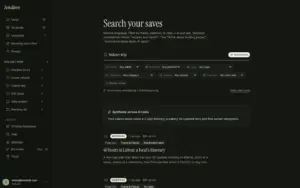
AI bookmark managers are a newer category that blurs the line between the two above – they add plain-English search (bookmark-manager territory) and automatic summaries that give you enough of the content to decide whether to go back and read it in full (read-it-later-adjacent), without necessarily being a dedicated reading app themselves.
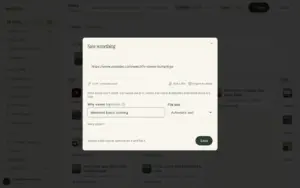
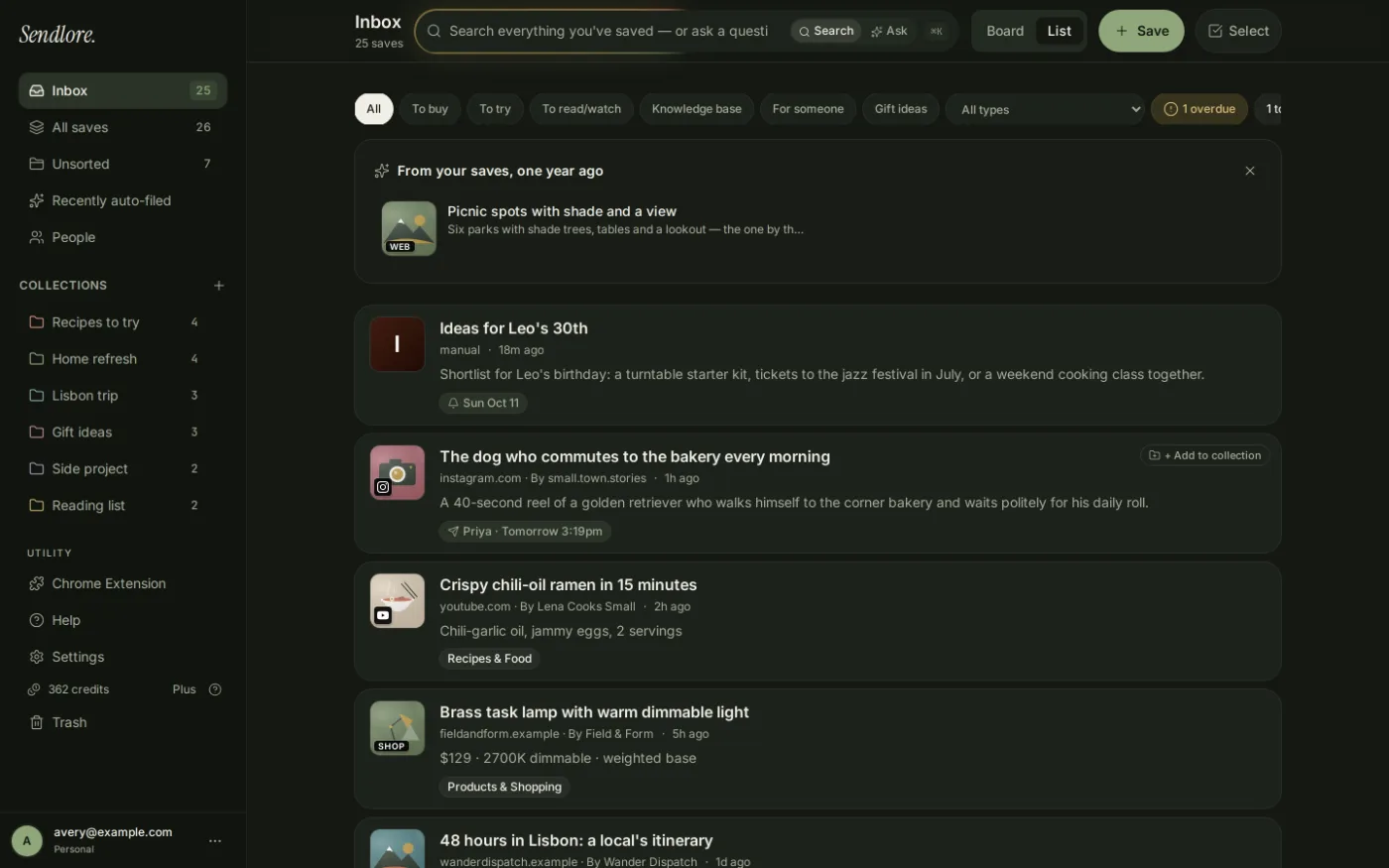
Sendlore is one of these. It leans toward the bookmark-manager/reference side of the line – its strength is capturing and finding things later, not distraction-free reading. Video and social saves are where it differs most from either category above: TikTok, YouTube, Instagram, Twitter/X, and Reddit links are all auto-detected, and a transcript gets pulled where one's available – reliable for YouTube, best-effort for the rest via provider integrations. That's a genuinely different problem than either a read-it-later app or a traditional bookmark manager solves, since both were built primarily around article text.
Be honest about the tradeoff: if a clean reading mode for long articles is the main thing you want, a read-it-later app like Instapaper or Matter still does that better – Sendlore doesn't have a dedicated distraction-free reading mode, and isn't trying to replace one.
This is also why "read-it-later vs. bookmark manager" isn't really a two-way question anymore for a growing number of people – the decision is closer to a three-way split, with the AI-powered option specifically suited to whoever saves more than plain article text. If you've decided the AI-powered/hybrid option is what you actually want, that piece covers the findability argument in more depth – or see our full AI bookmark manager comparison if you'd rather weigh several tools in this category first.
One more branch, if neither of the two problems above quite describes you: if you save things and then just never think about them again – not an organization problem, not a reading-mode problem, just links disappearing into a pile – that's a different, earlier question. See why saved links become a black hole for that instead.
FAQ
Is Pocket a read-it-later app or a bookmark manager?
Pocket (before it shut down in 2025) was primarily a read-it-later app – its core value was a clean reading queue for articles, not deep organization. It had light tagging, but its defining feature was distraction-free reading, which is why it's usually grouped with Instapaper and Matter, not Raindrop or Pinboard.
Can one app do both jobs?
Some try, but most tools still lean one way. Newer AI bookmark managers blur the line by adding plain-English search alongside automatic summaries, giving you enough of the content to decide whether to read it in full – without necessarily being a dedicated distraction-free reading app like Instapaper or Matter.
Do I need both a bookmark manager and a read-it-later app?
It depends on what you actually do with saved links. If you mostly want to read articles cleanly later, a read-it-later app is enough. If you save a mix of articles, videos, and social posts and mainly need to find them again, a bookmark manager – or an AI bookmark manager – covers more ground.
What's the difference between a bookmark manager and an AI bookmark manager?
A traditional bookmark manager relies on the folders and tags you create yourself. An AI bookmark manager adds plain-English search and automatic summaries on top, so you can find something by describing it loosely instead of remembering exactly how you filed it – Sendlore is built this way.
If what you save is more than just articles – videos, social posts, things you want to find again later – that's what Sendlore is built for.