

A Pocket alternative for finding what you saved.
Pocket shut down on July 8, 2025. Sendlore is for people who need more than another read-later queue. Save links, videos, social posts, files, notes, and forwarded email with the context that makes them useful later.
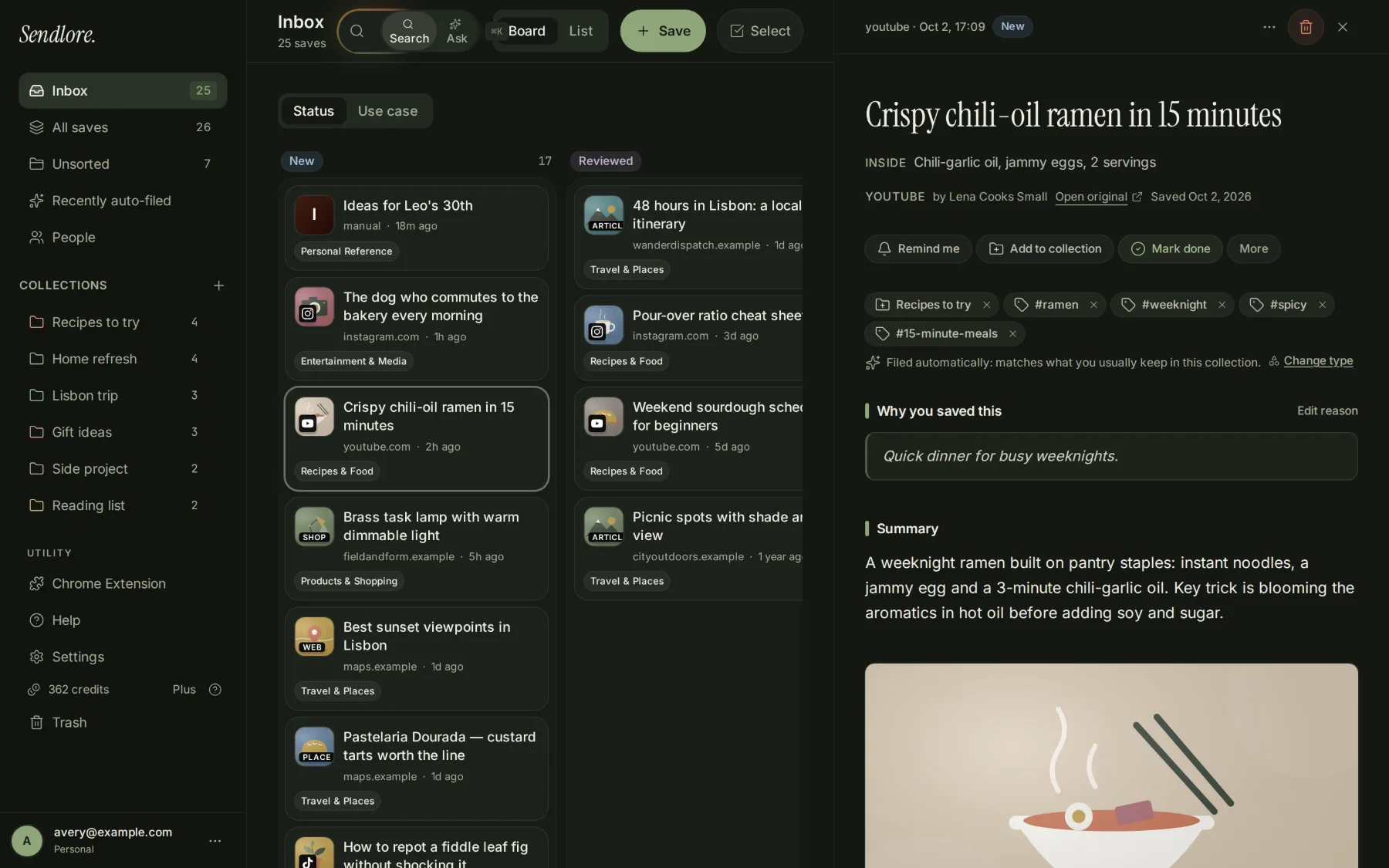
Pocket was built around reading later. Sendlore is built around finding later.
Sendlore
Sendlore vs. Pocket
Key differences at a glance
- Availability
- Pocket shut down in July 2025. Sendlore is available for saving and finding information today.
- Reading versus retrieval
- Pocket was a dedicated reading queue. Sendlore focuses on source context, searchable saved content, and asking questions across your library.
- Moving old saves
- There is no direct Pocket sync. If you saved an export before the shutdown, you can extract compatible URLs and import them into Sendlore.
Full comparison by capability
| Capability | Sendlore | |
|---|---|---|
| Save articles and links | Core read-later experience (historical) | Save URLs; full article extraction depends on the site |
| Reading experience | Dedicated reading view (historical) | Personal library and retrieval, not a dedicated offline reader |
| Mixed saved content | Primarily web articles and links | Supported videos, social posts, documents and notes; capture depth varies |
| Personal notes and organization | Tags | Notes, tags and folders |
| Find past saves | Pocket service discontinued | Keyword and meaning-based search of available saved content |
| Ask questions across saves | Pocket service discontinued | Ask across captured content, with links back to saved items |
| Import existing links | Pocket export service closed November 12, 2025 | Browser bookmark HTML, supported platform export files and pasted URLs; no direct Pocket sync |
| Export saved library | Pocket export service closed | JSON and Markdown |
| Browser capture | Pocket extension discontinued | Sendlore Chrome extension (early release) and web app URL saves |
Import means bringing over compatible files or URL lists, not transferring a live Pocket account. Extract ZIP archives first. For a Pocket CSV, copy the URL column into a plain-text list (one URL per line); Sendlore does not have a dedicated Pocket CSV importer. A save may contain only available metadata when full text, video transcripts, or social content cannot be retrieved. How bookmark imports work.
Bring over the saves you still have.
- Find a Pocket export you downloaded before the deadline. If it is a ZIP archive, extract it first; Sendlore does not accept ZIP uploads.
- For a Pocket CSV export, copy the URL column into a text list with one complete URL per line. Sendlore does not have a dedicated Pocket CSV importer.
- Open Sendlore’s Import page, paste the URLs, review the detected links, and save them. Standard browser-bookmark HTML is supported separately.
Already have your old links?
Bring links you already have into Sendlore. A Pocket export is not a one-click account transfer: ZIPs must be extracted, and Pocket CSVs must be converted to URL-only lists.
Only saved URLs and available source information move through this method; Pocket tags, highlights, original save dates, and archived article text are not reconstructed. If you did not export your Pocket saves, you can still start with links in your browser bookmarks. Mozilla’s shutdown timeline.
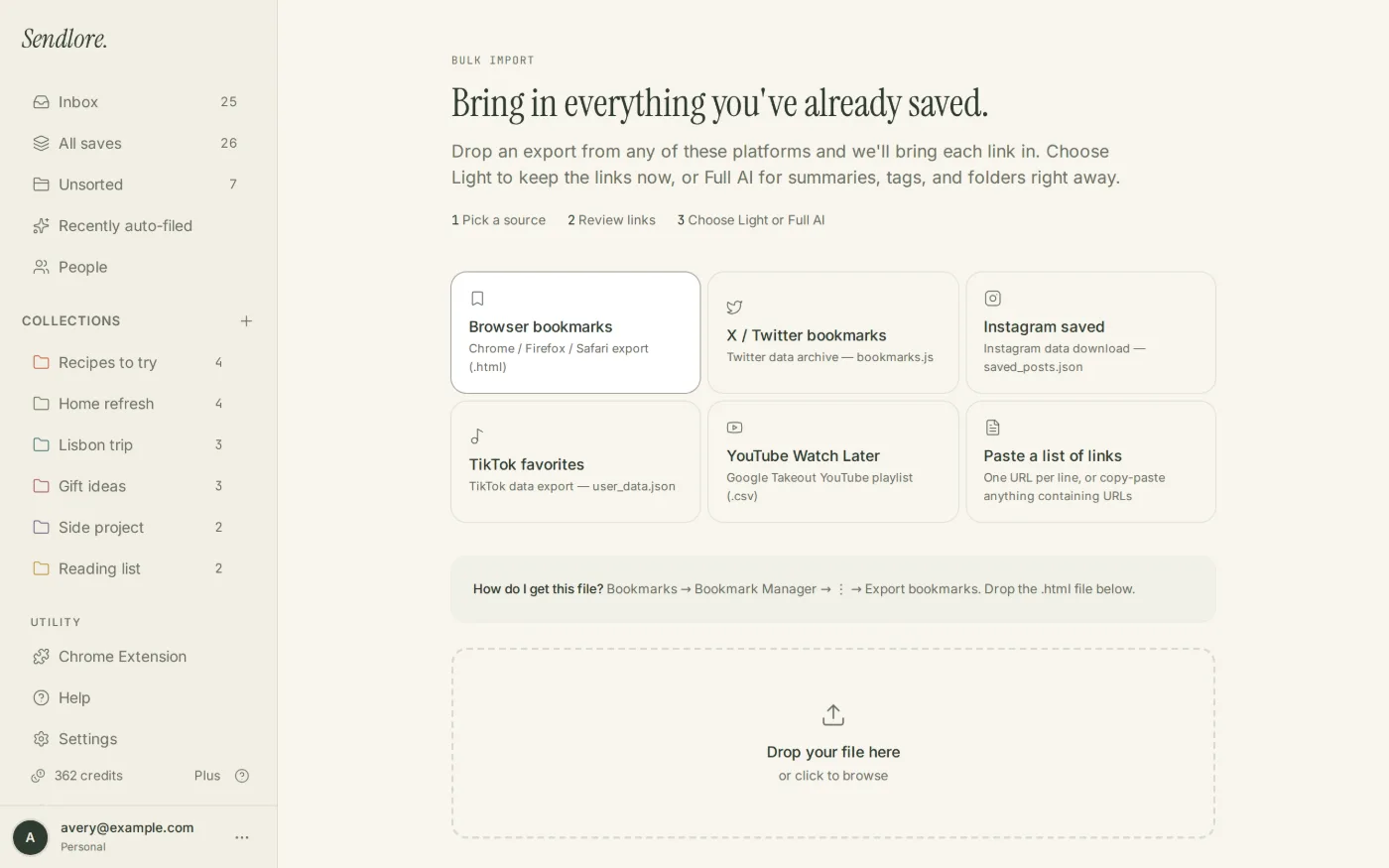
Find it by what you remember, not just its title.
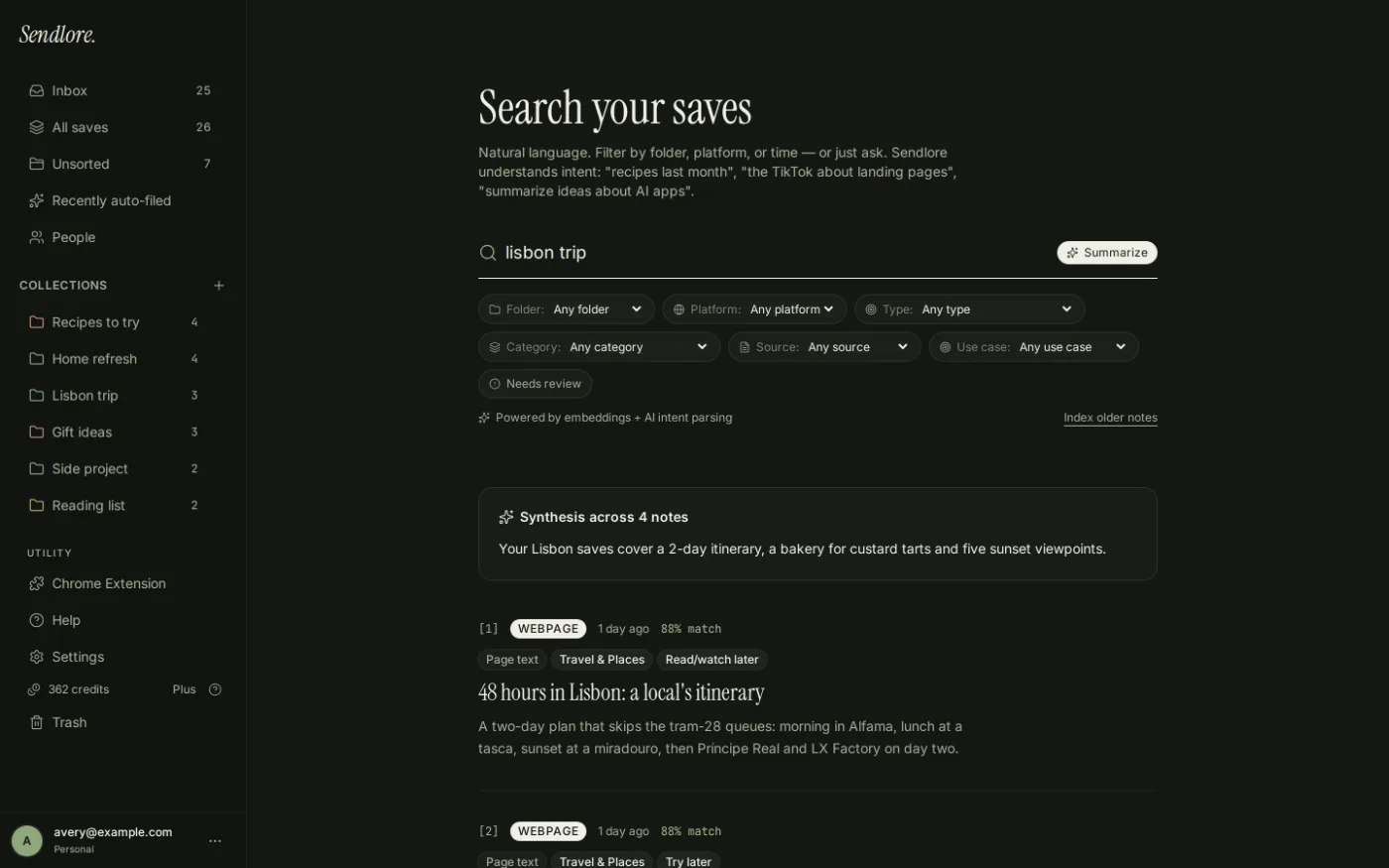
Keep why you saved it—not just the URL.
- Original source stays attached to the save
- Your “Why I saved this” note stays with it
- Summary and key takeaways are added when the source provides enough content
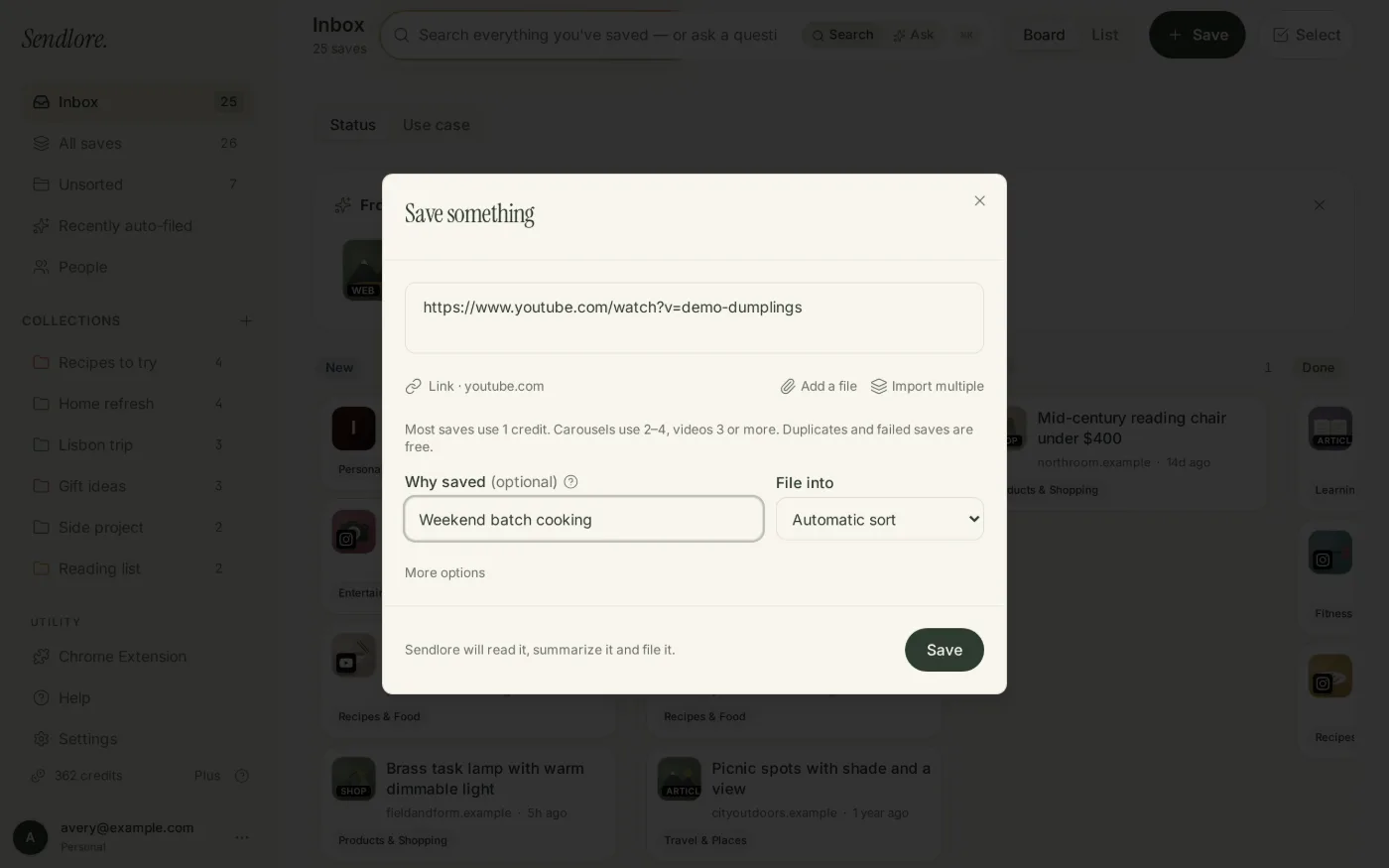
Save more than articles.
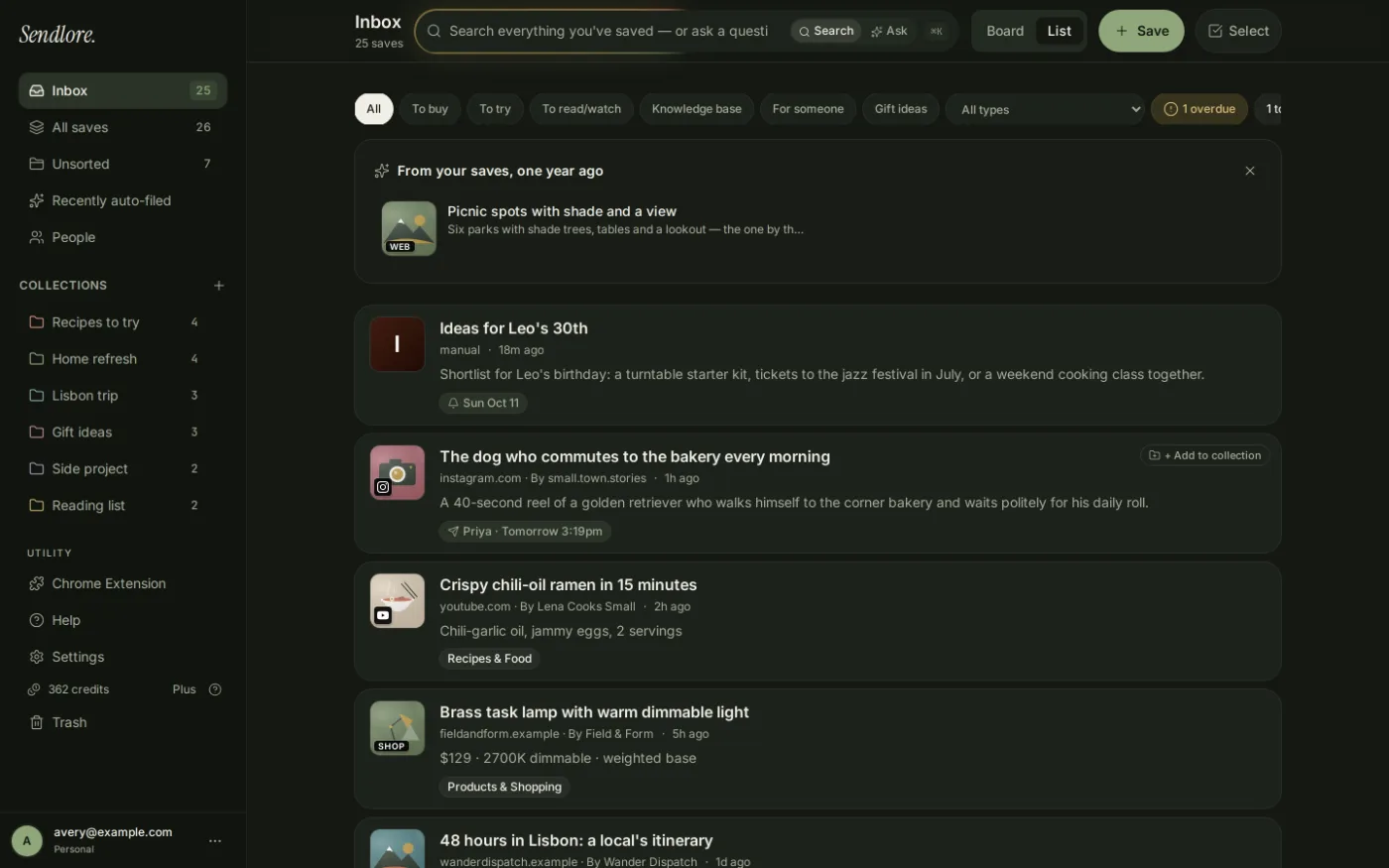

Web links and articles
Keep a source link and available page details together. Full text and summaries depend on what the source makes accessible.
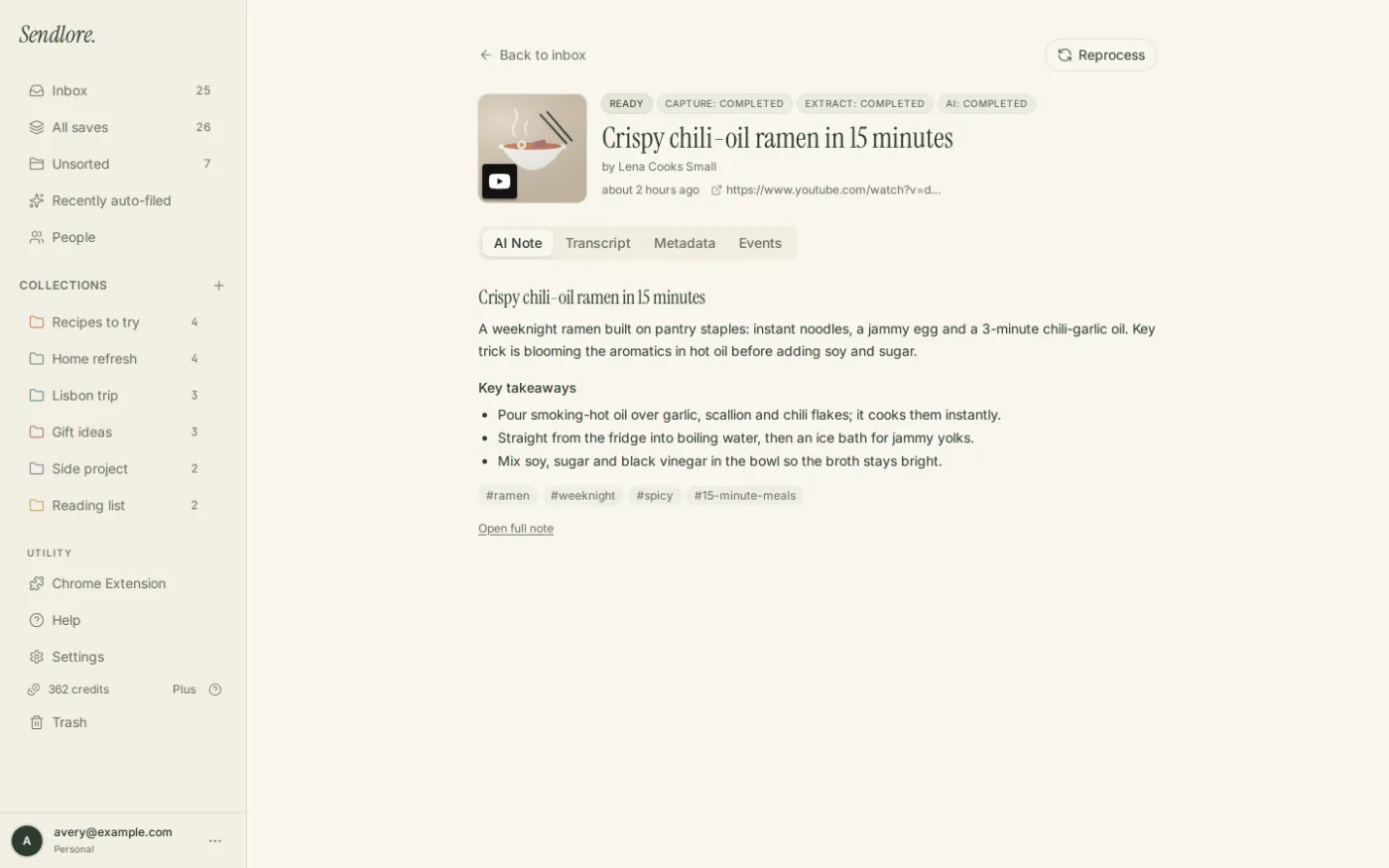
Videos and transcripts
Find saved videos by their titles, available transcripts and other captured context. Not every platform makes transcripts available.
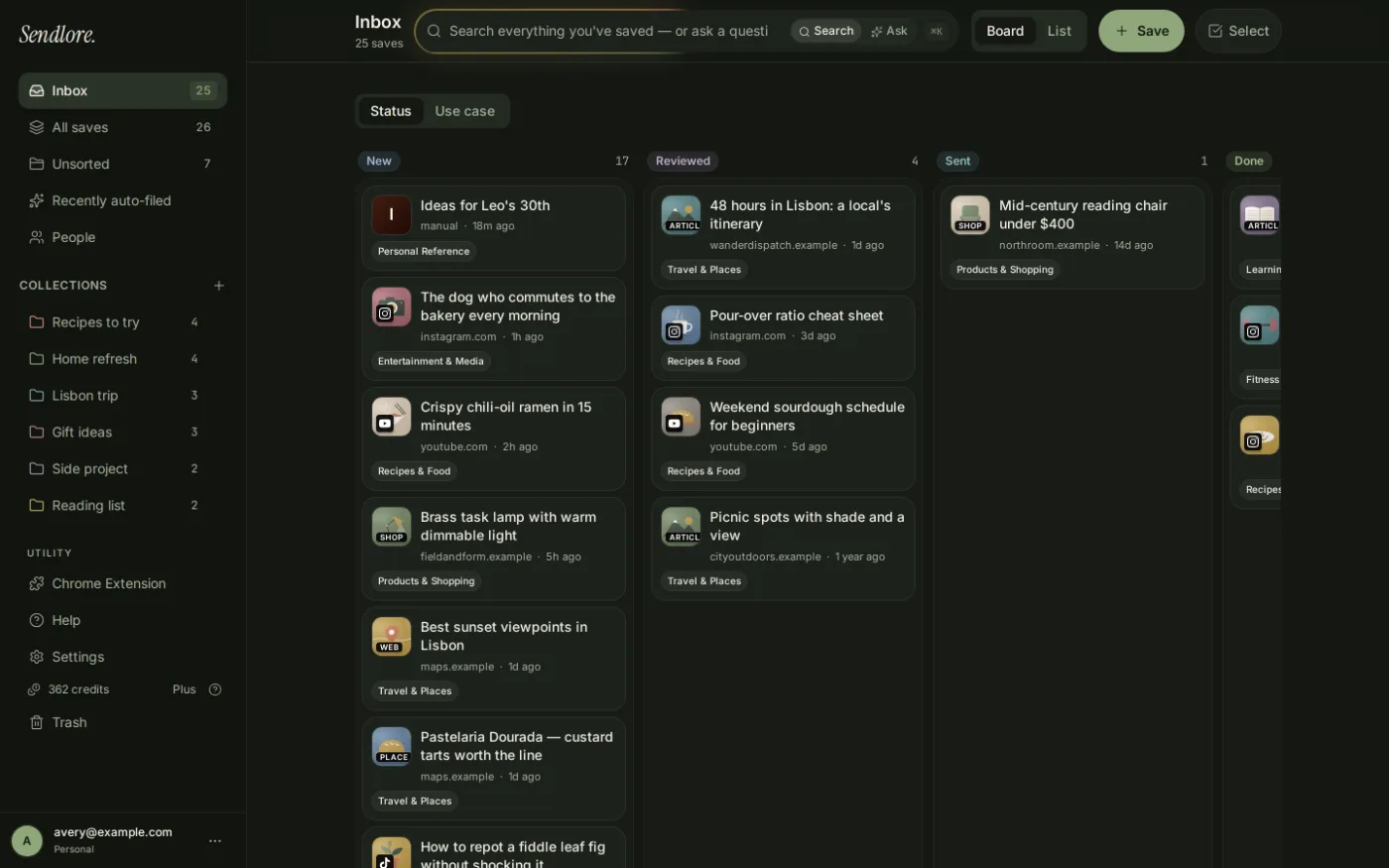
Social posts and mixed saves
Review mixed saved sources in one inbox. Social-post extraction varies by platform and some saves may contain only basic details.
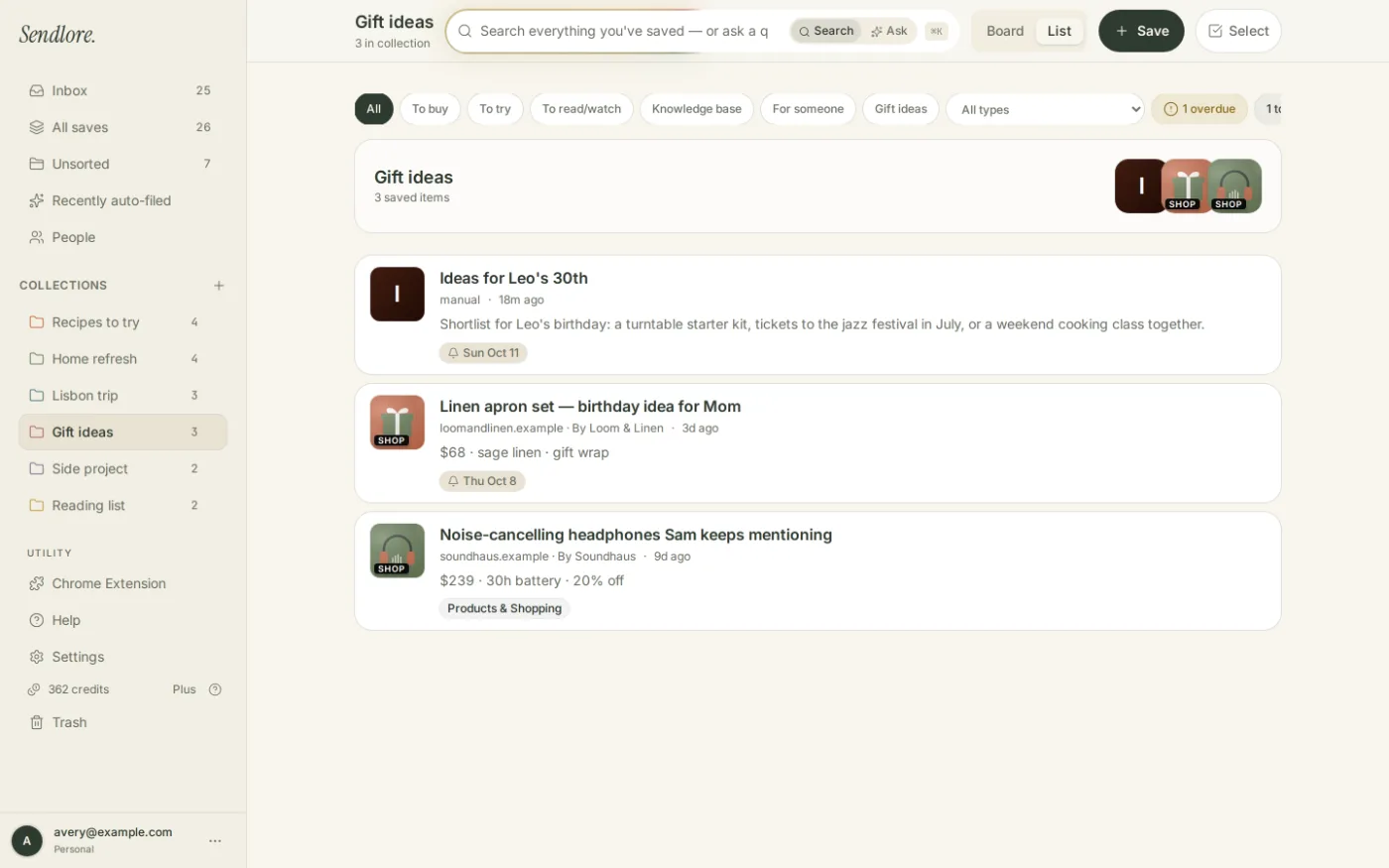
Collections and ideas
Collect related ideas and links in folders or collections, with your own notes about why they matter.
You can also save personal notes, supported document files, and selected text captured with the Chrome extension. Source and file extraction depth varies; these examples show the product interface, not guaranteed results for every save.
Who Sendlore is best for
If Pocket was your reading queue, Sendlore is a stronger fit when you want to find and reuse what you saved across different projects. It is designed for people who regularly return to old sources—not just people building a list of articles to read later.
Students & researchers
Keep articles, PDFs, lecture videos, notes, and references together. Search by a subject or remembered detail, then return to the original source when you need to check or cite it.
Explore research workflowsContent writers & marketers
Save sources, campaign examples, and ideas with the reason they mattered. Find material again for an article update, a new brief, or a future campaign rather than rebuilding your research.
Explore content workflowsFounders & builders
Keep competitor pages, product examples, customer feedback, and technical references with your own context. Revisit that evidence when a product decision or development task comes back.
Explore founder workflows
Sendlore is a personal research library, not a full substitute for Pocket's dedicated reading experience. How much text, transcript, or other context is available depends on the source and capture method.
Sendlore may not be the right Pocket replacement if…
- You want a dedicated, distraction-free article reader
- Your workflow relies on heavy highlighting and annotation
- You need ebook-like reading tools and immersive modes
- Offline reading is essential for your routine
Where Sendlore fits among Pocket replacements
Instapaper
A better fit when your priority is a simple, dedicated read-later experience and offline reading.
Readwise Reader
A better fit when deep reading, highlighting and annotation are central to your workflow.
Raindrop.io
A better fit when you mainly want visual bookmarks, folders, tags and broad bookmark organization.
Sendlore
A better fit when you save mixed formats and care more about finding and reusing them than reading in a dedicated reader.
Start free. Upgrade when you need more processing.
Free
$0
Plus
$9/mo
Pro
$19/mo
High-volume option
Max — $39/month
3,000 processing credits/month · 100 Ask questions/day · $390/year if billed annually.
Questions about switching from Pocket
Need the full Sendlore FAQ?
See current details on capture, search, privacy, exports, browser support, pricing, and limits.
Build a library you can actually find again.
Start free with no card. Save what matters with context, then search by what you remember.