
By Nero Niche · Published . Nero Niche makes Sendlore, which is described below as one option for organizing research.
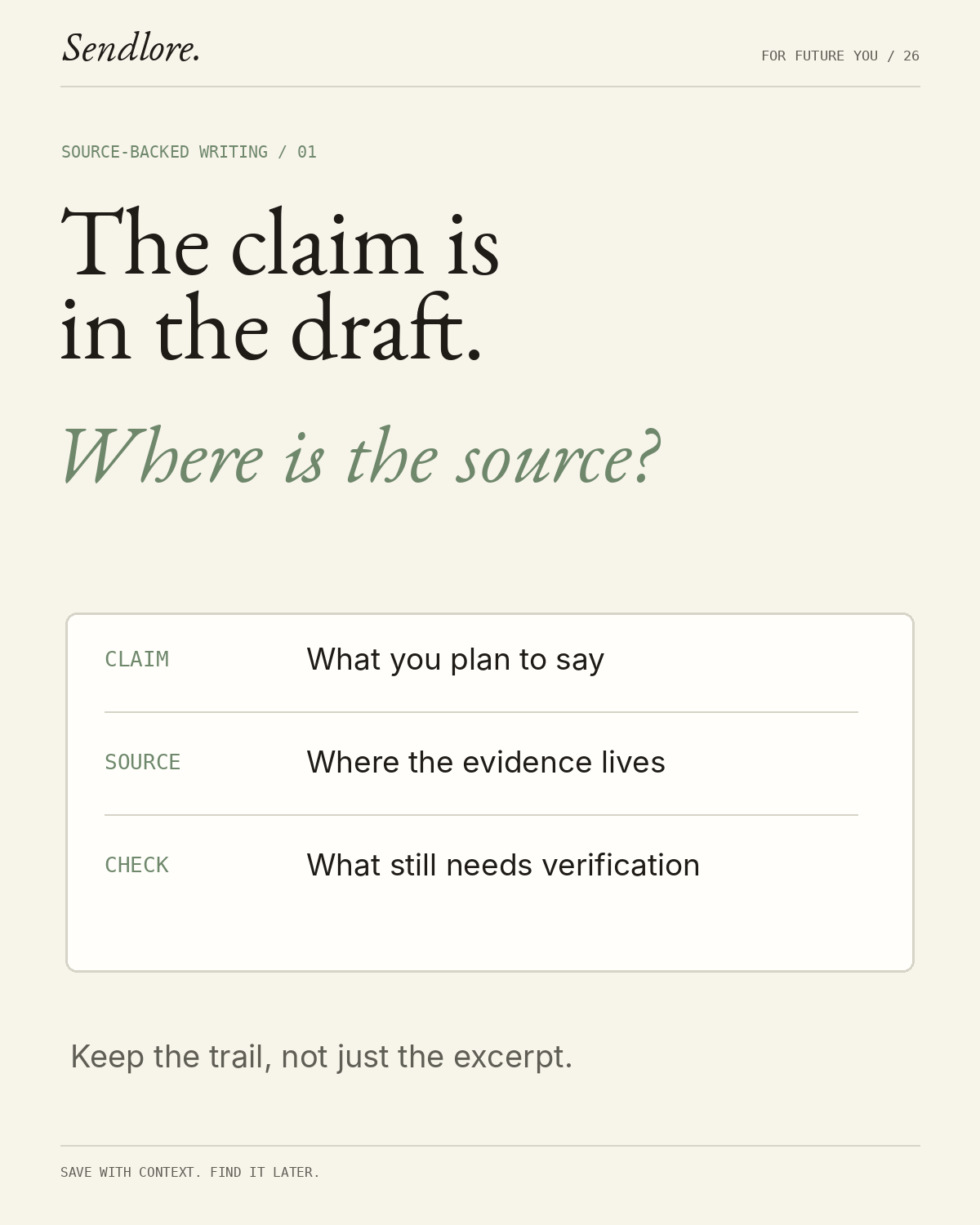
To organize research sources for writing, keep a source record for each useful article, video, document or interview; group those records by the questions your draft needs to answer; and connect every factual claim to the specific evidence that supports it. A bookmark tells you where something lives. A research note tells you why it matters, where to find the relevant passage and what you can responsibly say about it.
This guide covers a practical workflow for writers, content marketers and researchers working with mixed online sources. You can use a spreadsheet, a note-taking app or a searchable research library. You do not need to migrate everything you have ever saved before you begin.
1. Start with the questions your piece needs to answer
Before collecting more links, write the main question your article or report must answer. Break it into supporting questions that correspond to potential sections. For a guide about organizing browser tabs, for example, you might ask how to group active tabs, how to save articles to read later, and what to do with longer-term references.
Assign each relevant source to a question rather than making the publisher or file type the only way to find it. One source can answer several questions; preserve one source record and reference it from the relevant sections of your outline. Emory University Libraries’ guide to managing writing projects discusses organizing resources around research questions and recognizing that a source may serve more than one part of a project.
2. Capture a source record while the context is fresh
Save the original URL, identify the publisher or author, and record the specific detail that made the source worth keeping. For a PDF, include the page number. For a video, record a timestamp. For a web page, note the heading or a brief phrase that helps you locate the passage again. Record when you checked the source, particularly when it covers software, prices, or policies that can change.
Do not treat a copied paragraph or an AI-generated summary as a replacement for the original source. Label direct quotations separately from paraphrases and your own interpretation. OpenStax’s Writing Guide with Handbook explains how a research log connects bibliographic information, source notes, and the writer’s thinking, and why distinguishing quotations from paraphrases matters.
A reusable research source template
Copy these fields into a note or a spreadsheet. Fill in as much as the source supports rather than guessing at missing details.
- Question: What am I trying to answer?
- Source: Title, author or publisher, publication date, original URL, and date checked.
- Evidence: The useful fact, example, or short quotation, with its exact location.
- My interpretation: What I think the evidence means, separate from what it actually states.
- Limits: What the evidence does not establish, including scope, version, or population where relevant.
- Use and status: Planned draft section; to read, verified for this claim, or recheck required.
That last field is important: a verified source is not necessarily verified for every claim. The same page can be reliable evidence for one statement and irrelevant to another. Purdue University Northwest’s research note-taking guide similarly separates source details, evidence, location, intended use, and the writer’s own thinking.
3. Build a claim-to-source trail before writing
A claim-to-source trail is a short record connecting a proposed factual statement to the source and passage that support it. Unlike a list of references, it also records what must be qualified or checked before publication. Start with the facts most likely to affect a reader’s decision: numerical statements, product features, comparisons and current rules.
Worked example: turning a saved article into a supportable claim
Suppose you are writing a guide to managing an overloaded browser. The following is an illustrative editorial workflow using a real public source, not a report of product testing.
- Question
- Can Chrome users group related open tabs?
- Source
- Google’s Chrome organization guide, April 6, 2023, section 2, checked November 17, 2026.
- Evidence
- Google describes adding tabs to a named, color-coded group and collapsing or expanding that group.
- Supported draft claim
- Google describes Chrome tab groups as a way to keep related open tabs together and collapse them when they are not needed.
- Limit
- The source does not measure writing productivity or establish current behavior on every device. Check current platform-specific instructions before publishing a click-by-click tutorial.
- Next action
- Use the qualified claim in the section on active tabs; do not turn it into an unsupported claim that tab groups improve productivity by a specific amount.
This distinction is the difference between having a source and having evidence for the sentence you plan to publish.
4. Separate research capture, active drafting and reusable reference
Keep three working views or collections, rather than building a complicated folder structure immediately:
- Inbox: Potentially relevant material you have not evaluated. Nothing here is assumed ready to cite.
- Current project: Source records organized around the questions and claims you are actively developing.
- Reference library: Useful material you expect to consult again, with its original context and any recheck requirement intact.
Move a source out of the inbox after deciding whether it answers a real question. During drafting, retrieve records by the detail you need, not just the title. When the project is finished, keep the sources that will be useful again and retain a record of which evidence supported the published version.
If you already have a large collection of unreviewed links, begin with the current project. Our guide to why saved links become difficult to find covers the broader retrieval problem.
5. Choose a tool based on what you need to retrieve
The right research organization tool depends on the material you collect and what your final writing requires.
- Spreadsheet or research log: Useful when you want a consistent row for each claim and source, a clear verification status, or a reviewable record that can be shared with an editor.
- Browser bookmarks: Suitable for a lightweight collection of original URLs. Keep your research notes and passage locations somewhere you can retrieve alongside those URLs.
- Citation manager: Useful when an academic paper requires formal references and a bibliography. Zotero’s documentation describes its citation and bibliography functions, including word processor integration.
- Searchable research library: Useful when your sources span links, videos, notes and supported files, and you need to recover material by remembered context rather than exact titles.
These tools can work together. If a journal requires a formatted reference list, use a citation manager for that job even if you collect and rediscover material in a separate research library.
6. Use Sendlore to keep research connected to its source
Sendlore is a personal knowledge inbox for saving links, videos, notes and supported files, then finding them again by their captured content and context. As you research, save a useful link and add a reason such as Explains tab groups; supports section on active work, not productivity gains. Keep your claim-specific evidence and caveats in your notes.
- Capture the original source and your reason for saving it. See Sendlore’s saving and capture guide for supported inputs and capture behavior.
- Organize relevant saves around your current project or topic.
- When drafting, use Search to find the original saved item by remembered context. Use Ask when you need to synthesize information across relevant saves, then follow the supporting links. The Search versus Ask guide explains the distinction.
- Reopen the original source before publishing consequential facts. Extraction can be incomplete and AI-generated answers can omit context, so check the source itself. Your research notes and a formal citation tool may still be needed.
For a more product-specific overview of this workflow, see Sendlore for content writers.
7. Run a final source check before publishing
Open three saved records from your current project and try to answer these questions without repeating the original search:
- What exact claim does each source support?
- Can you reopen the source and locate the passage, page, or timestamp?
- Are its date, scope and important qualifications still accurate?
- Could a reader check the claim using the link you plan to publish?
When any answer is missing, mark that record for review and keep the claim out of the draft until it is verified. If the original source has changed or disappeared, find a current authoritative replacement or narrow the claim rather than relying on an old summary.
Your research system is ready when it helps you go from a question to usable evidence and back to the original source. It does not need to contain every interesting thing you have ever read.
Build a research library you can actually reuse. Save the next useful source with the reason you kept it, then try finding it by the question it answers.