Save the source while the context is fresh
Capture a useful source and add why it matters to your class, paper, thesis topic, experiment, or research question before that context disappears.
Sendlore for students & researchers
Save articles, PDFs, videos, notes, screenshots, and research links without losing the source behind them. Sendlore keeps what it can capture from each item alongside your own context, then helps you find it later by keyword, meaning, or a question across your saved library.
Private-by-default personal library. Extraction depth varies by source.
The research problem
Research fragments quickly: one paper in a downloads folder, three useful articles in browser tabs, a lecture video in a playlist, notes in a document, and a source you vaguely remember from two weeks ago. Sendlore is built to reduce that retrieval problem without forcing you to maintain a perfect folder system first.
Capture a useful source and add why it matters to your class, paper, thesis topic, experiment, or research question before that context disappears.
A summary is not provenance. Sendlore keeps the source URL and available source details with the save so you can return to the original material when you need to verify or cite it.
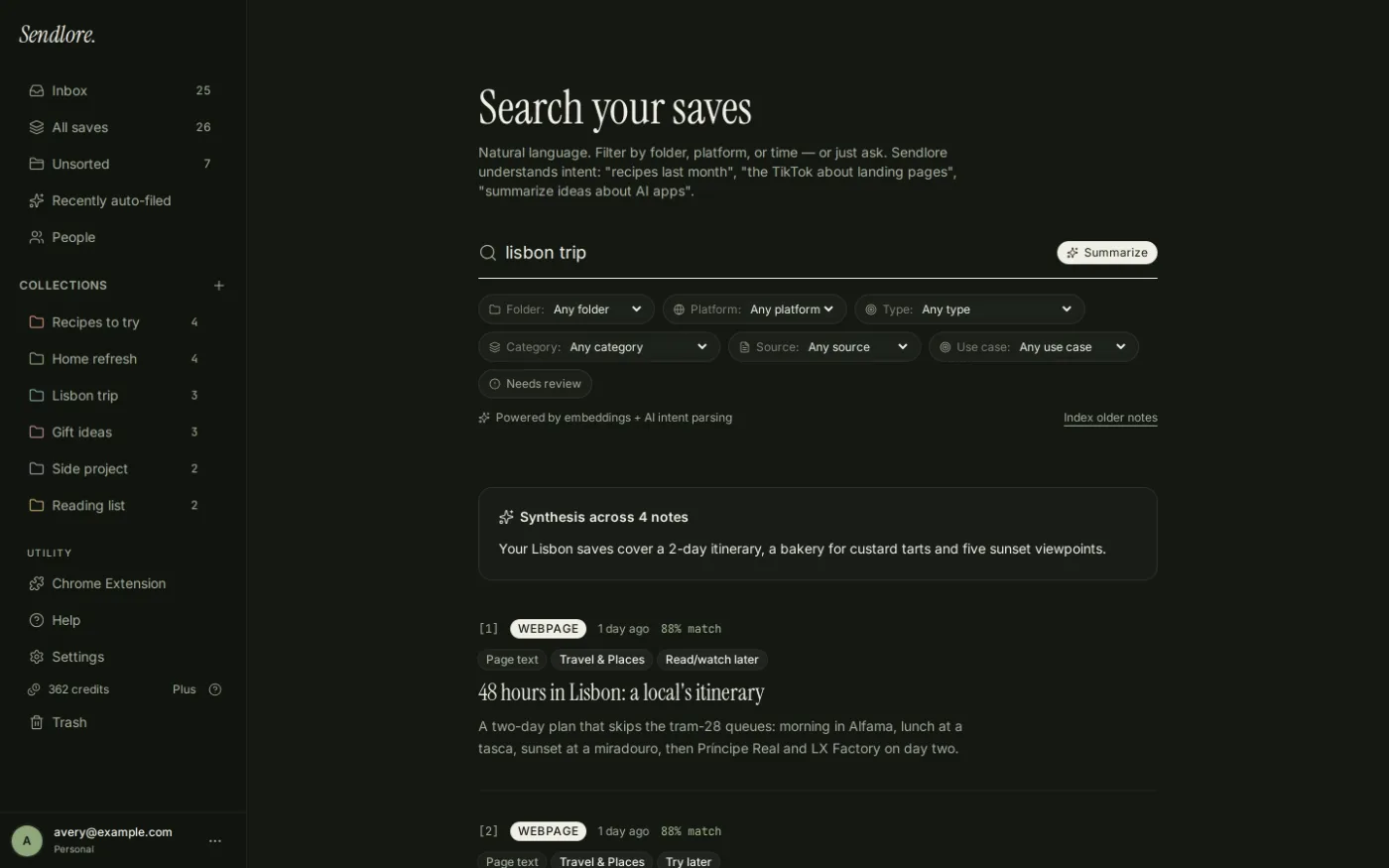
Search by an idea, topic, person, phrase, project, or remembered detail. Hybrid retrieval combines normal text matching with semantic similarity when the saved evidence supports it.
Return to the same library for a literature review, later draft, related course, new experiment, or follow-up project instead of rebuilding the research trail from scratch.
A repeatable research loop
Sendlore is designed to sit between discovery and formal writing. It helps preserve useful evidence and context while you browse, read, watch, and take notes, then gives you several ways to recover that material later.
Where it fits
The same retrieval layer can support short assignments and multi-month research. The goal is not to automate judgment; it is to make the sources and context you already found easier to recover.
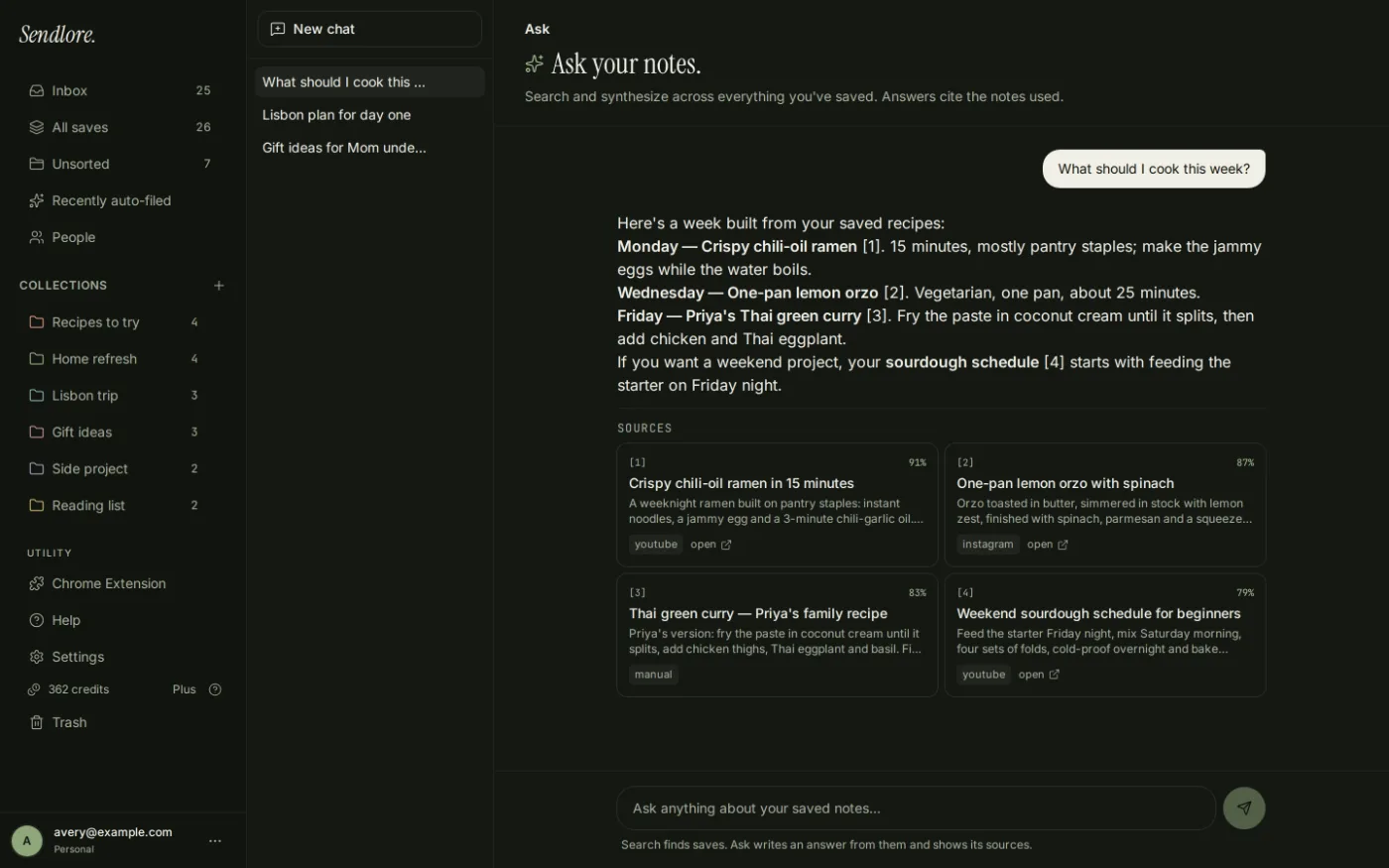
Ask your saves
Ask is a question-answering layer over information in your Sendlore library. It is most useful when you already collected relevant material and want to reconnect ideas across several saves. Supporting items stay part of the workflow so you can inspect the underlying source before relying on a claim.
For academic work, verify important claims against the original source and follow your institution’s rules on AI use, citation, and academic integrity.
Sendlore vs. citation software
These tools solve adjacent problems. Sendlore is strongest at collecting mixed research, preserving why it mattered, searching across captured evidence, and returning you to the original item. A dedicated citation manager is still the right tool for formal reference metadata, citation styles, bibliographies, and manuscript citation workflows.
Use Sendlore as the searchable research memory around your project, then move the sources you actually cite into your preferred formal citation workflow.
What becomes searchable
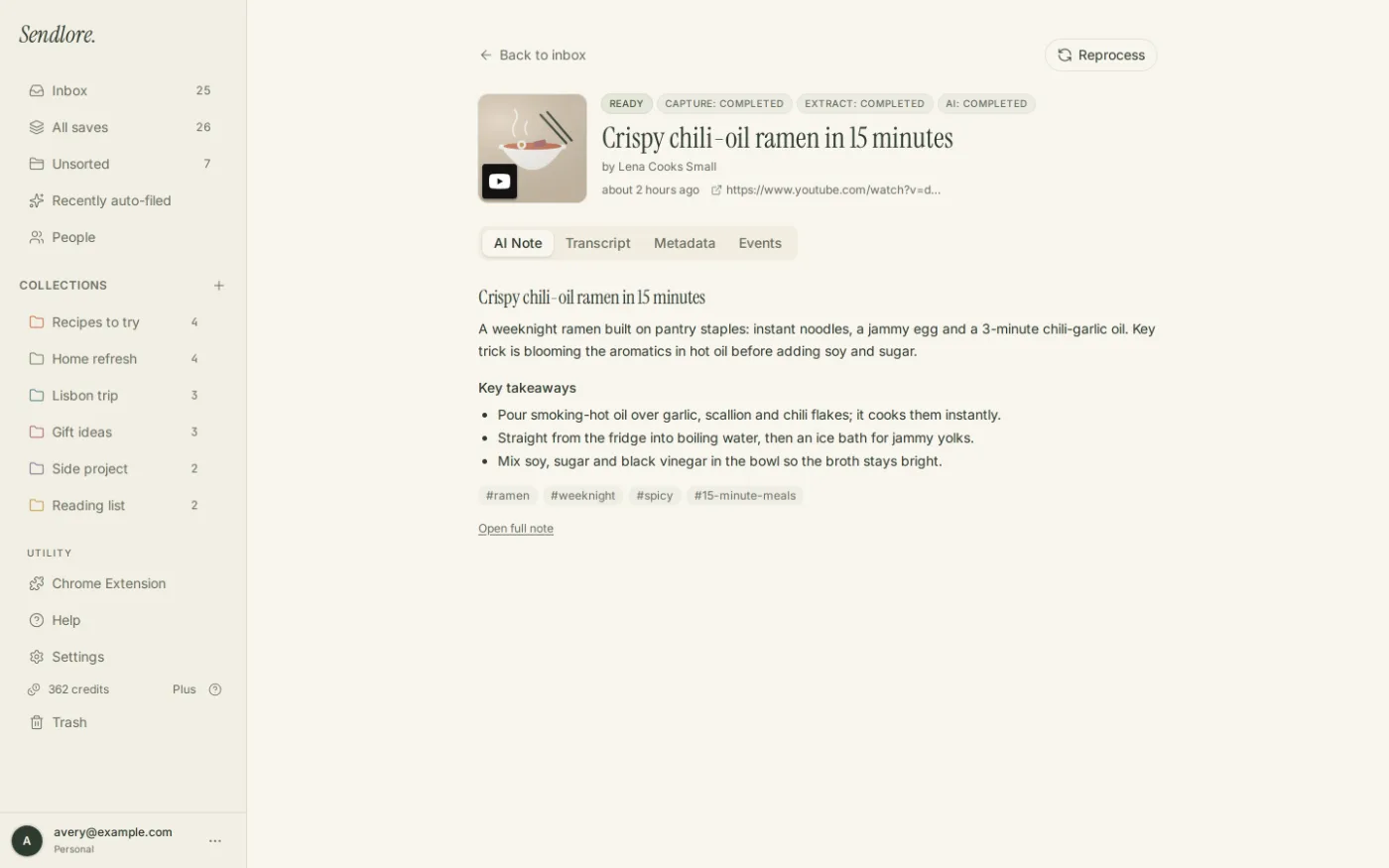
Sendlore does not pretend every source is equally readable. A normal web article may provide rich text. A restricted page may only provide metadata. A video may have a transcript, or it may not. Search and Ask work from what the system actually has.
Important limits
Private pages, paywalls, platform restrictions, missing transcripts, unsupported formats, and provider failures can limit how much Sendlore can capture. A lighter save can still retain the source and available details, but there is less evidence for semantic search or Ask to use.
Questions
Yes. Sendlore is built around links, notes, files/documents, PDFs, images, screenshots, and supported media. The amount of text or metadata captured depends on the source and format.
Yes. Sendlore uses hybrid retrieval that combines normal text matching with semantic similarity, so you can search by an idea or remembered detail when relevant information was successfully captured.
No. Sendlore is better suited to collecting, preserving, finding, and revisiting source material. Use a dedicated citation manager for formal bibliographic metadata, citation styles, reference lists, and manuscript citation workflows.
Ask works over material in your saved library. It retrieves relevant saved information and can link an answer back to supporting notes or sources. Results still depend on what Sendlore successfully captured, and important academic claims should be checked against the original source.
Yes. Sendlore supports importing browser bookmarks and supported saved-content exports. Imported links may begin with lighter metadata and become richer as they are successfully processed.
Personal libraries are designed to be private by default. Sharing is a deliberate action for individual saves. See Sendlore Security & Privacy for current details.
No. Sendlore’s role is to help you capture, retrieve, and reconnect research you saved. It can summarize or synthesize available material, but research judgment, source verification, writing, and compliance with academic-integrity rules remain your responsibility.
Build a research library you can actually reuse
Keep useful research and your own context together, then retrieve it by what you remember instead of reconstructing where you found it.