
YouTube playlist import
Import YouTube saves into Sendlore.
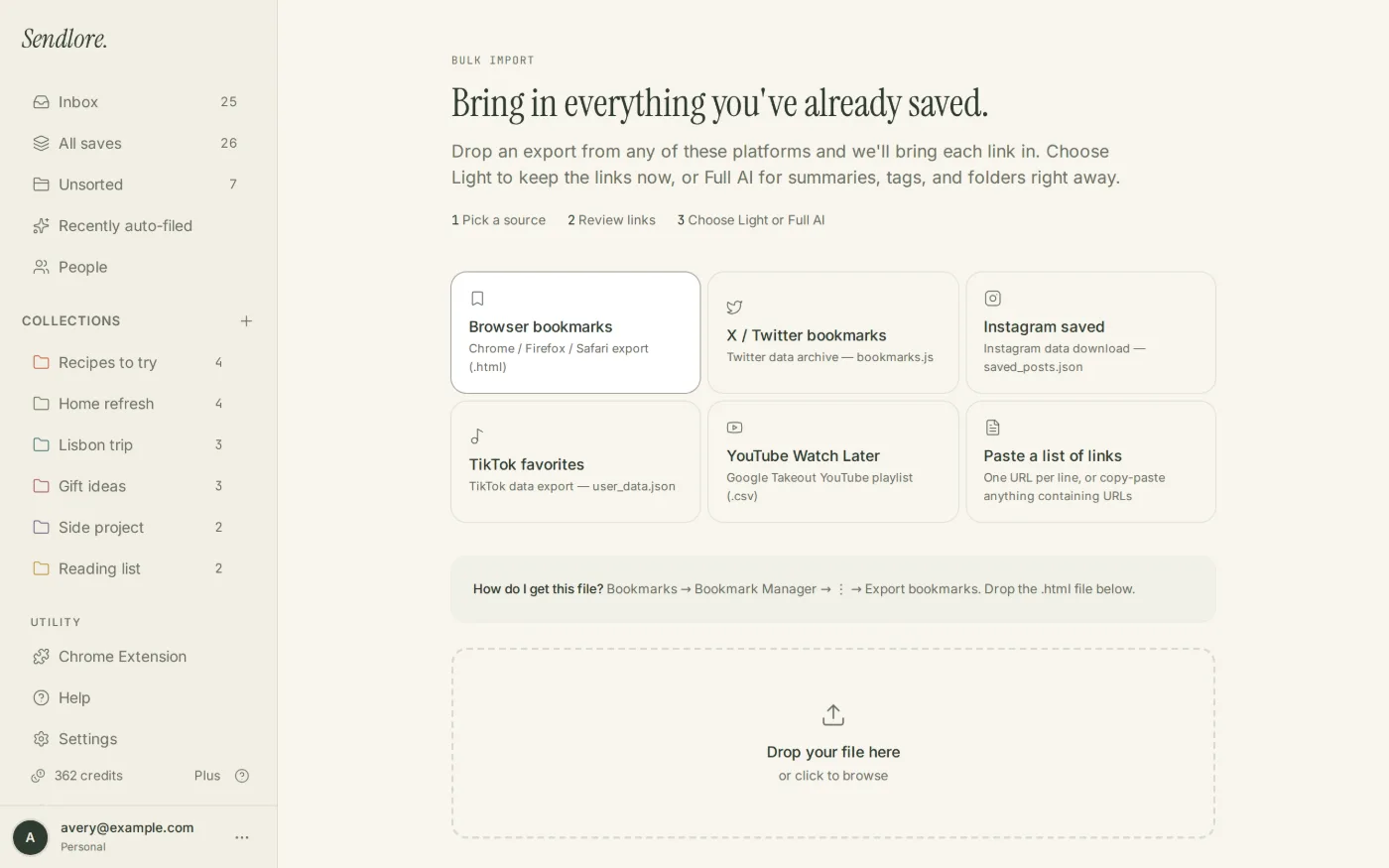
Use Google Takeout to export your YouTube data, extract the archive, and upload watch-later.csv or another playlist CSV to Sendlore. Saved videos can then live beside articles, social posts, notes, and files — with richer transcript-based retrieval when a usable transcript is available.
Sendlore currently accepts a Watch Later CSV or another YouTube playlist CSV from the extracted Takeout data.
watch-later.csv or another playlist CSV.Step 1
Create a YouTube export with Google Takeout.
Google Takeout is Google’s official archive tool for exporting data from Google products, including YouTube. Make sure you are signed into the Google account or channel that actually owns the Watch Later list or playlist you want to migrate.
Open Google Takeout
Go to Google Takeout while signed into the Google account connected to the YouTube saves you want.
Select YouTube data
Include YouTube and YouTube Music in the products being exported. Deselect unrelated Google products if you only need YouTube data.
Create the export
Choose the delivery and archive options you prefer, then ask Google to create the export.
Download and extract it
Once Google says the archive is ready, download it and extract the archive locally so you can access the individual playlist files.
Google’s current official instructions: How to download your Google data.
Step 2
Find the Watch Later or playlist CSV.
Sendlore does not need the entire Google Takeout archive. Use the CSV for the specific YouTube playlist you want to move.
watch-later.csv when it is present in the exported playlist data.watch-later.csv
or another exported YouTube .csv playlist file.
Google controls Takeout’s archive structure, so if filenames change later, follow the current Sendlore Help Center guidance rather than renaming unrelated files.
Step 3
Upload the playlist CSV and review the videos.
Sendlore parses the export first so the migration stays reviewable.
Choose YouTube
Open Sendlore Import and select YouTube as the source.
Upload the playlist CSV
Select watch-later.csv or another supported playlist CSV from the extracted Takeout archive.
Review detected video links
Check the videos Sendlore parsed and inspect likely duplicate warnings before continuing.
Choose Light or Full AI
Import the backlog lightly or use deeper processing when richer video context is worth the available credits.
Light import vs. Full AI
A playlist entry and a processed video note are not the same thing.
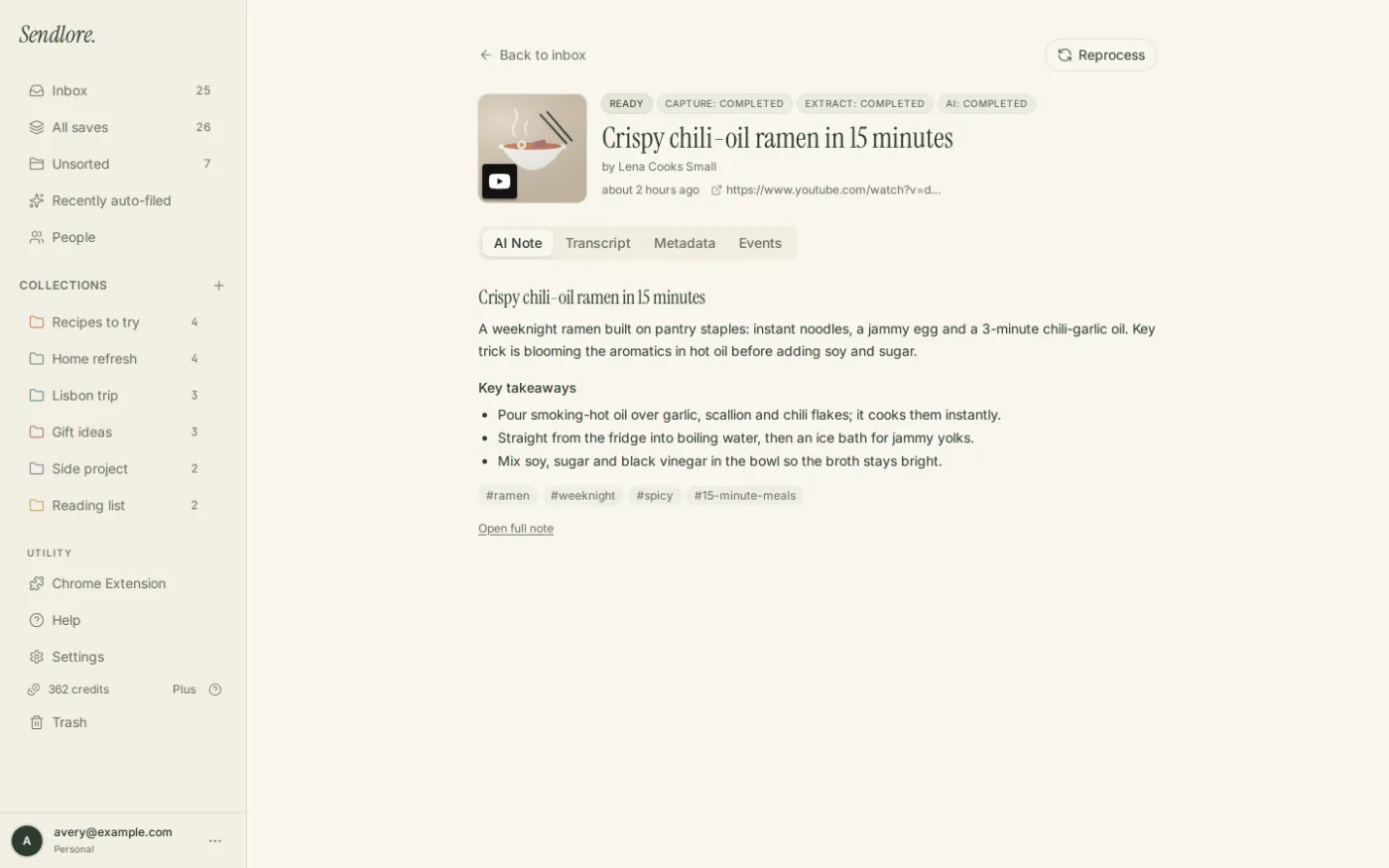
For a large Watch Later queue, it can be wasteful to deeply process every video before you know which ones still matter. Sendlore separates keeping the video URL from attempting richer extraction.
A video can lack captions, expose unusable captions, be private, removed, region-restricted, age-restricted, or otherwise difficult to process. Sendlore should not be described as creating a transcript when no usable transcript was available.
After the import
Turn Watch Later into research you can actually retrieve.
YouTube already makes Watch Later convenient for playback. Sendlore becomes useful when those videos need to reconnect with projects, notes, articles, and other source types later.
Which YouTube saves does this page cover?
Watch Later and exported playlist files — not every YouTube account signal.
Privacy and data scope
Google Takeout can contain much more than the playlist you want.
Questions
Import YouTube saves FAQ
What YouTube file does Sendlore need?
The current Sendlore importer accepts watch-later.csv or another exported YouTube playlist CSV from Google Takeout.
How do I export Watch Later?
Use Google Takeout while signed into the Google account or channel that owns the Watch Later list. Include YouTube and YouTube Music data, create the export, extract it, then locate the Watch Later playlist CSV when present.
Can I import a custom YouTube playlist?
Yes. The current Sendlore Help Center says another playlist CSV can be used in addition to watch-later.csv.
Should I upload the Google Takeout ZIP?
No. Extract the archive first and upload the specific playlist CSV to Sendlore.
Will every imported YouTube video have a transcript?
No. Transcript availability depends on the video and what Sendlore can retrieve. Some videos may remain partial or metadata-only.
What happens if a video is already in Sendlore?
The current import review checks normalized URLs and can flag likely duplicates before the saves are created.
Does importing YouTube saves use credits?
Light import avoids full-processing credits for every playlist item. Full AI can use credits when Sendlore attempts richer processing, including transcript-based processing when a usable transcript is available.
Can I search an imported video by what was said in it?
Yes when Sendlore successfully stores usable transcript or other rich text for that video. If the save contains only metadata, retrieval is naturally limited to the information actually stored.
Does downloading my YouTube data remove it from Google?
No. Google states that Takeout downloads do not delete the underlying data from Google’s servers.
Make Watch Later useful after “later” arrives
Move the videos worth keeping into the same retrieval system as the rest of your research.
Export the playlist with Google Takeout, upload the CSV Sendlore expects, review the videos, and process the ones that deserve richer searchable context.