Open X Settings
In X, go to Settings and privacy, then Your account.
X / Twitter bookmark import
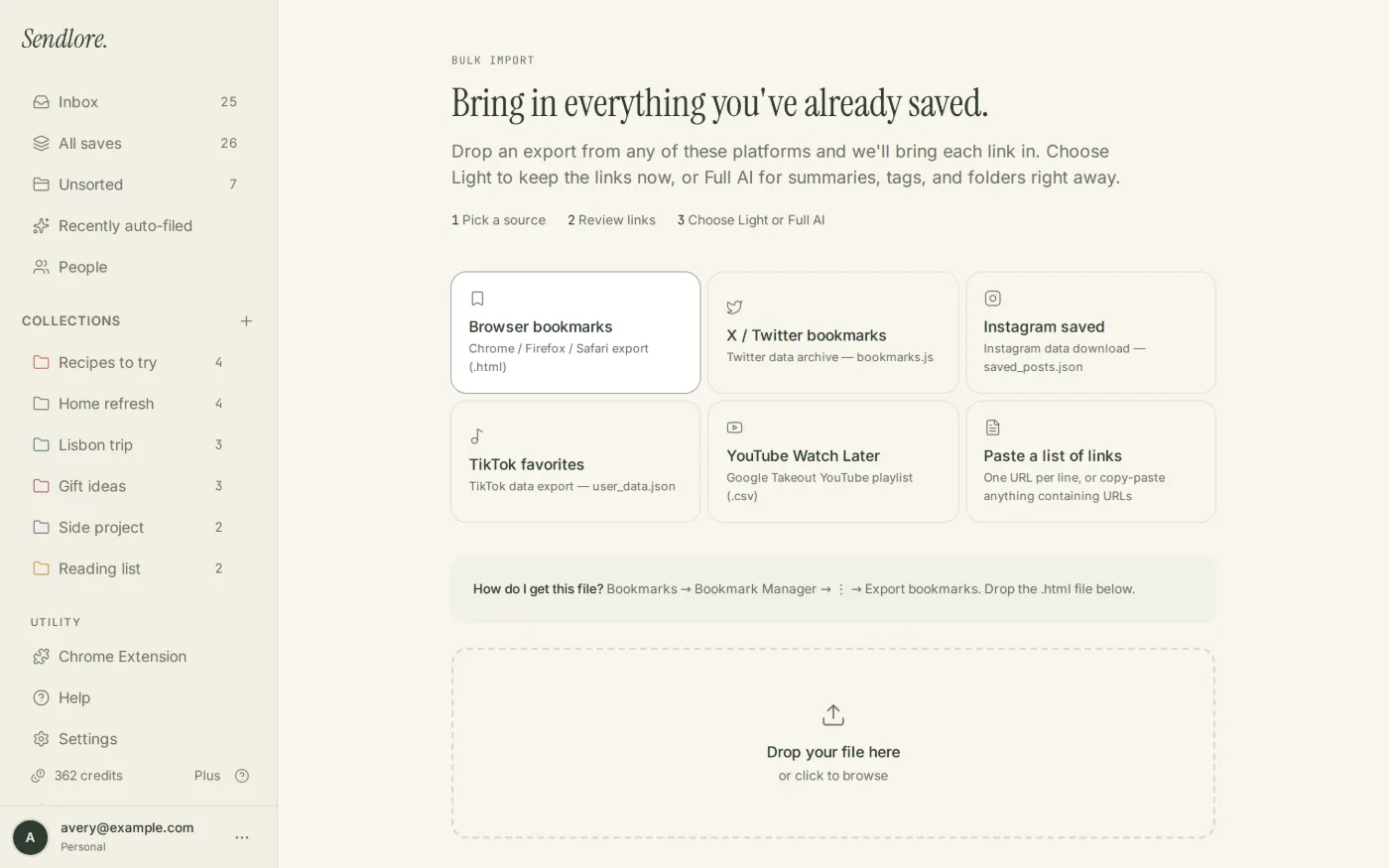
Request your X data archive, extract it, upload the archive’s data/bookmarks.js file to Sendlore, then review the detected posts before importing. Your saved X links can live beside articles, videos, notes, and other research instead of staying isolated inside one social app.
X Bookmarks are private inside X. Sendlore only receives the bookmark file you explicitly export and upload.
data/bookmarks.js, not the entire ZIP archive.Step 1
X’s current account-data flow requires authentication and can take time to prepare. The archive arrives as a ZIP file, but Sendlore does not need the entire ZIP.
In X, go to Settings and privacy, then Your account.
Open Download an archive of your data and complete X’s account verification step.
Submit the archive request. X says preparation may take a few days and will notify you when the download is ready.
Download the archive while signed in, then extract it on your device so you can access the individual data files.
Current X instructions: How to download your X archive.
Step 2
Sendlore’s current X importer is intentionally narrow. It reads the bookmark data file rather than asking you to upload the rest of your account archive.
data folderThe Sendlore Help Center and current importer expect X bookmark data under this directory.bookmarks.jsThe full relative path used by the current Sendlore import workflow is data/bookmarks.js.data/bookmarks.js
This is the current file documented by Sendlore for X/Twitter bookmark imports. Archive contents can change over time; if X changes its export structure, use the current Sendlore Help Center guidance rather than guessing at another account-data file.
Step 3
The import flow parses the bookmark entries first so you can inspect the migration instead of creating saves blindly.
Open Sendlore Import and select the source for X/Twitter bookmarks.
bookmarks.jsSelect the file from the extracted X archive, not the original ZIP.
Confirm the links Sendlore parsed and check any duplicate warnings before proceeding.
Use Light import for the backlog or Full AI when richer source processing is worth the credits.
Light import vs. Full AI
A social bookmark library can contain hundreds of posts whose future value is uncertain. Sendlore separates preserving the link from paying to enrich the destination.
An imported X bookmark is not a promise that Sendlore captured every word, image, reply, thread, or media asset from the original post. Some saves may retain a lighter or metadata-only representation. The original X URL remains important.
After the import
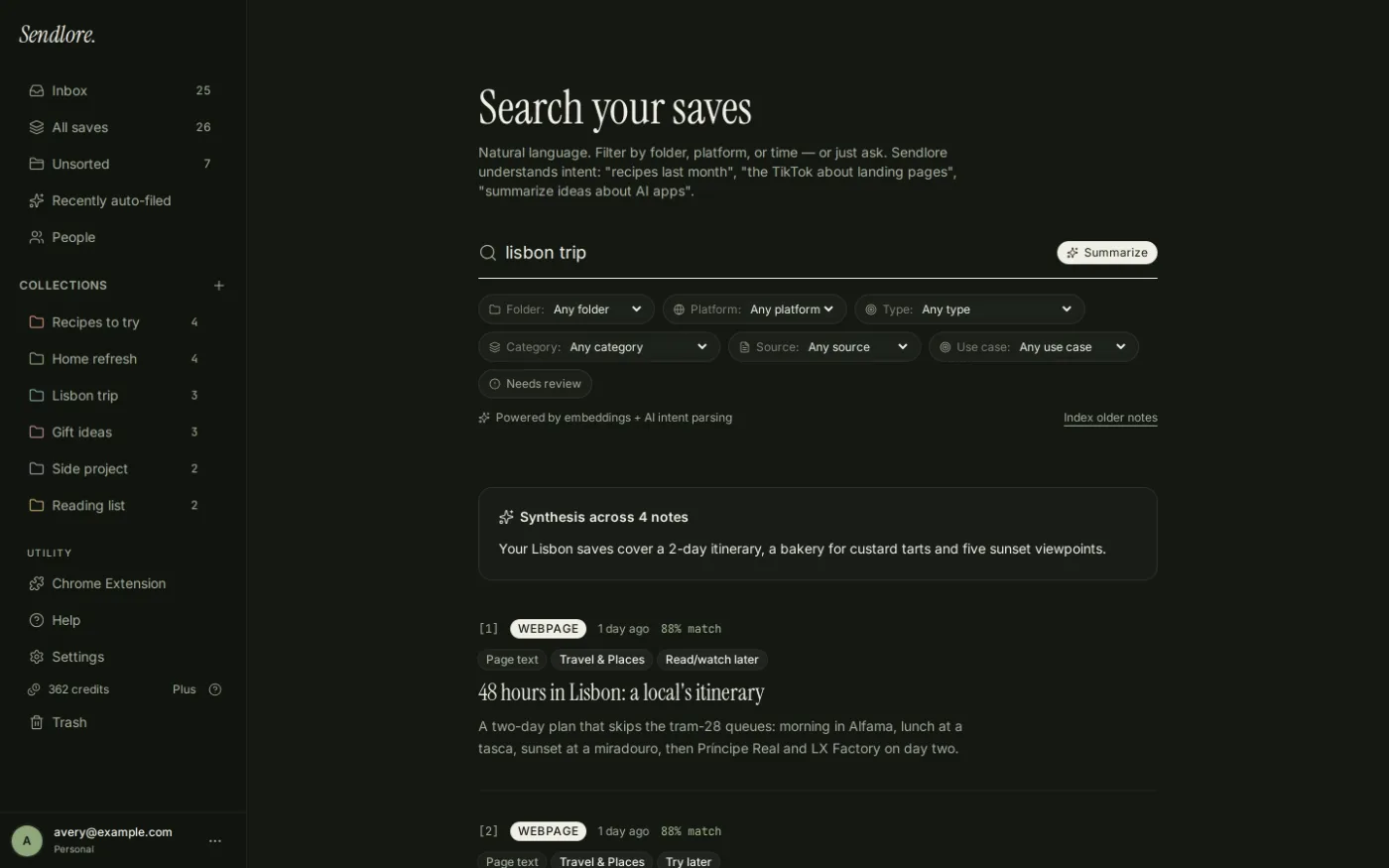
X makes Bookmarks private and easy to revisit inside X. Sendlore is useful when those saved posts need to reconnect with work happening outside the platform.
Privacy and archive scope
data/bookmarks.js rather than uploading unrelated archive files.Questions
The current Sendlore import workflow expects data/bookmarks.js from the extracted X account archive.
X currently directs users to Settings and privacy → Your account → Download an archive of your data. After identity verification, request the archive and wait for X to notify you when the download is ready.
X says archive preparation may take a few days. That timing is controlled by X, not Sendlore.
No. Sendlore’s live Import UI does not currently accept ZIP archives for this workflow. Extract the archive first and upload the bookmarks file inside it.
No. X states that Bookmarks are private and only viewable to you within your X account. Uploading your exported bookmark file to Sendlore is a separate action you initiate.
No such guarantee is made. The import preserves the bookmark URL, while later extraction depends on what the X source exposes and what Sendlore can successfully capture.
The current import review checks normalized URLs and can mark likely duplicates. You can skip an existing item or deliberately import another copy.
Light import avoids full-processing credits for every URL. Full AI can use credits as Sendlore attempts richer processing for the imported sources.
Yes when enough searchable information exists in those saves. Sendlore can combine semantic and lexical/full-text signals across stored library information rather than relying only on the post URL.
Bring X research into the rest of your library
Request the archive, upload the bookmarks file you actually need, review the detected links, and make the useful posts retrievable beside everything else you save.