
Export & sharing
Keep your Sendlore library useful outside Sendlore.
Share one saved item when someone else needs it, copy or download an individual save, or export your full personal library in portable formats. Sendlore is designed to keep your saved information accessible without turning your private library into a team workspace.
Sharing and export do not consume Sendlore reading credits. Individual public links remain revocable.
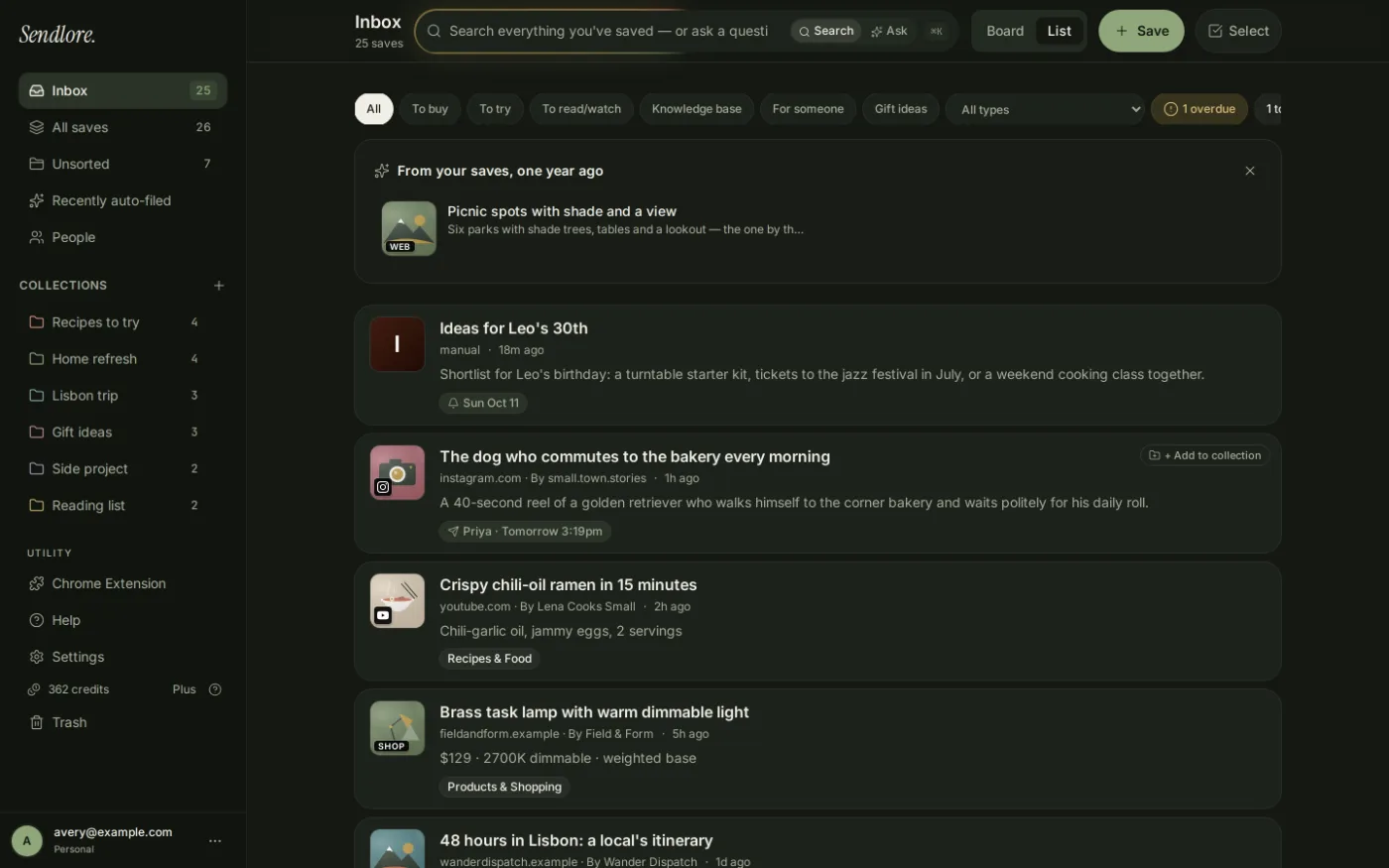
Share selectively
Share the saved item, not the rest of your library.
Sendlore is currently built around personal accounts rather than collaborative workspaces. When another person needs one saved source, you can create a public link for that specific note without making your entire library public.
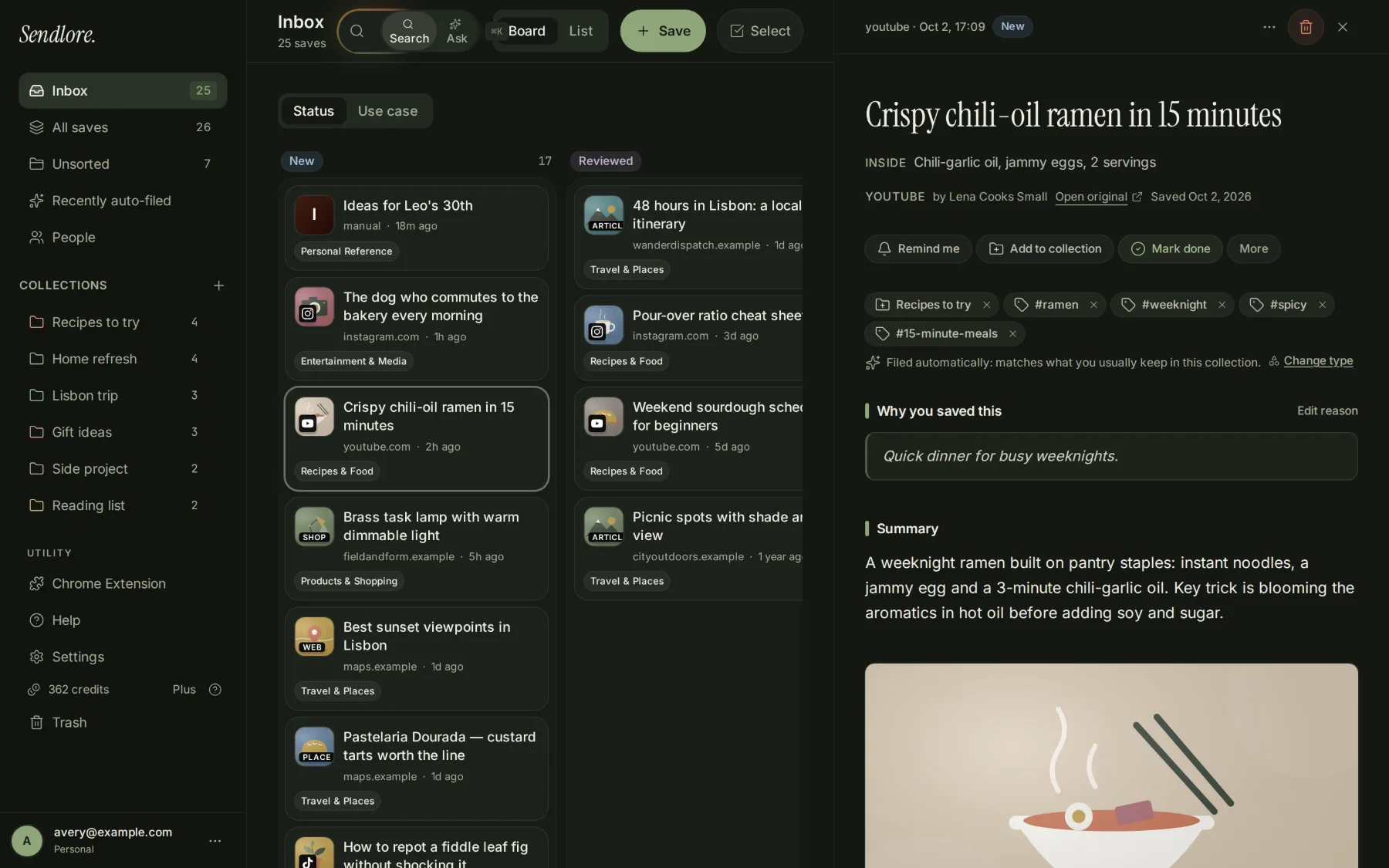
How sharing works
Create, copy, and revoke an individual public link.
The current sharing flow is intentionally small and reversible.
Open the saved item
Go to the Sendlore note you want another person to be able to view.
Enable its public link
Open the sharing control, turn the public link on, and copy the generated URL.
Turn it off when finished
Reopen the sharing control and disable the public link to revoke that sharing path.
Export one saved item
Move a useful note into the document or workflow where you need it.
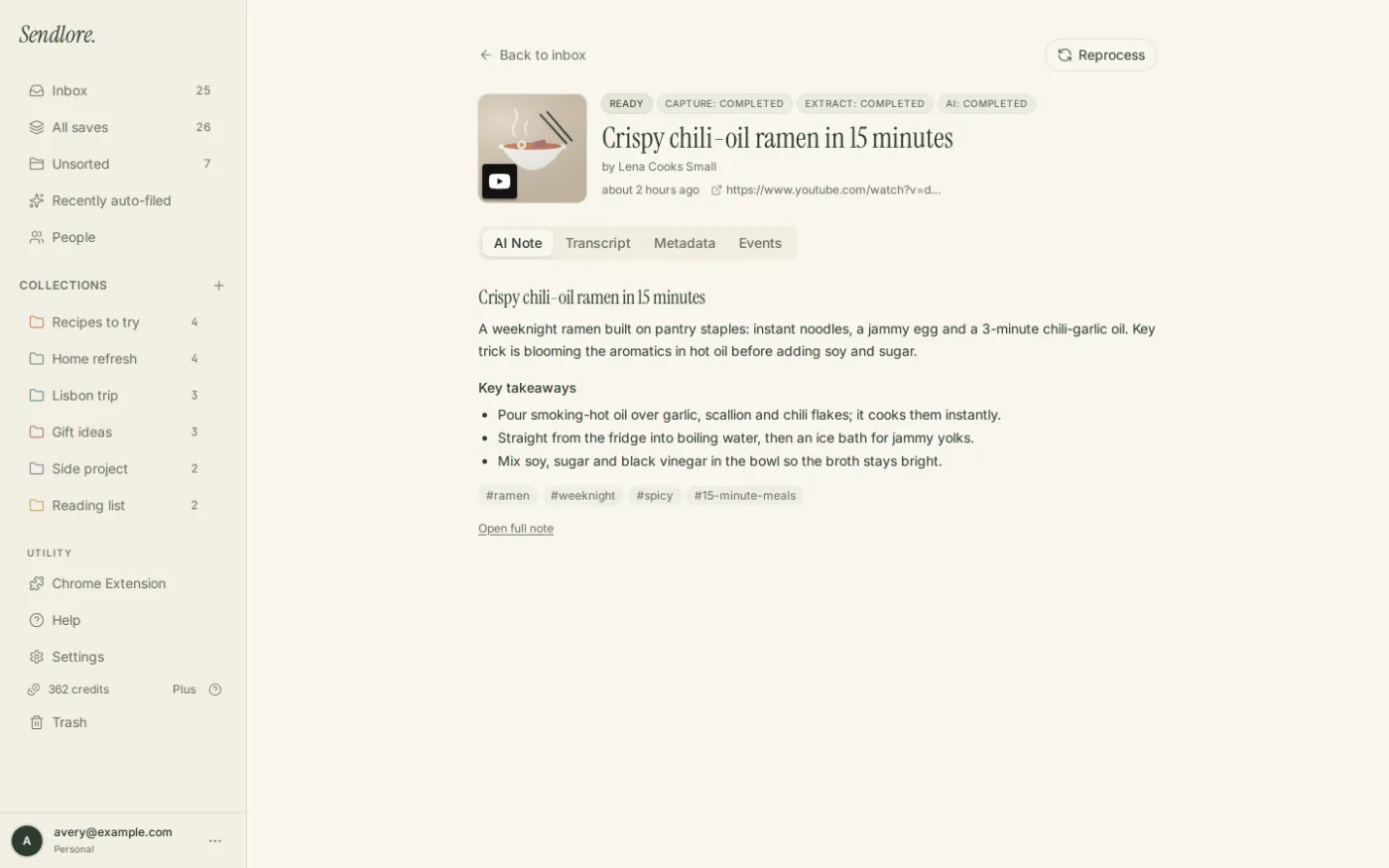
You do not need a full account export just to reuse one save. The current item menu includes two practical paths for taking an individual record elsewhere.
If a source was only captured lightly or as metadata, exporting that item does not invent missing article text, transcript content, or images that were never present in the Sendlore note.
Export the full library
Your saved information should have a way out.
Settings includes a “Download my saves” action that produces a portable account archive rather than forcing you to keep every useful record inside the Sendlore interface.
Portability without pretending to be a team product
Sendlore separates “share this” from “collaborate on everything.”
That distinction matters when evaluating whether Sendlore fits your workflow.
Share an individual note
Create a public URL for one saved item and revoke it later when access should end.
Move data out
Copy individual saves, download PDFs, or export the account in JSON and Markdown formats.
Shared team workspaces
Sendlore currently uses single-user accounts. It does not claim shared folders, collaborative editing, organization accounts, or multi-user knowledge bases.
Privacy and access
Sharing changes who can read that note. Export changes where a copy lives.
Both actions move information beyond the normal private Sendlore account boundary, so they should be deliberate.
For current handling, retention, deletion, and access details, review Sendlore Security & Privacy and the Privacy Policy.
An export can serve as a personal backup, give you a readable offline copy of your research, make migration easier later, or let you reuse notes in another tool without depending on a proprietary interface forever.
Questions
Sendlore export and sharing FAQ
Can I share my entire Sendlore library?
Not as a public or collaborative library. The current sharing feature creates a public link for an individual saved note. Sendlore is presently designed around single-user accounts rather than shared team workspaces.
Can I turn a shared link off later?
Yes. The current sharing control lets you disable the public link for that note. This revokes the Sendlore-hosted sharing path, although it cannot erase copies someone already downloaded, copied, or captured elsewhere.
Can I export a single save?
Yes. The current More actions menu supports Copy as Markdown and a Download as PDF path for an individual saved item.
Can I export my entire Sendlore library?
Yes. Settings includes a Download my saves action that currently produces a JSON archive of saved records and a Markdown bundle of the notes.
Are trashed items included in a full export?
Yes in the current owner-scoped export. Trashed items are included with a marker so the archive reflects those records rather than silently omitting them.
Does exporting use reading credits?
No. Export is not a new-source processing action and does not spend Sendlore reading credits.
Does a public link expose the rest of my account?
No. The sharing feature is scoped to the individual note whose public link you enabled. It is not a general sign-in token or access key for the rest of your private library.
Can I use a Sendlore export with another notes app?
The Markdown bundle is designed to be readable and portable, while JSON is more structured for migration or tooling. How directly another app can import those files depends on that app’s current import support.
Does exporting include content Sendlore never captured?
No. Exports represent the data stored in Sendlore. A metadata-only or partial save does not become a complete article, transcript, or document merely because it was exported.
Keep control of what you save
Use Sendlore as your library without making Sendlore the only place your information can live.
Share one item when it needs to travel, export individual notes into another workflow, or download your full library when you want a portable copy of your saved research.