Essential Features for Smarter Academic Research

Sendlore empowers you to capture articles, PDFs, videos, and notes in one searchable library. Summarize complex materials, keep every source’s context, organize by topic, and ask questions across your entire collection—all designed to streamline your academic workflow and help you focus on what matters most.
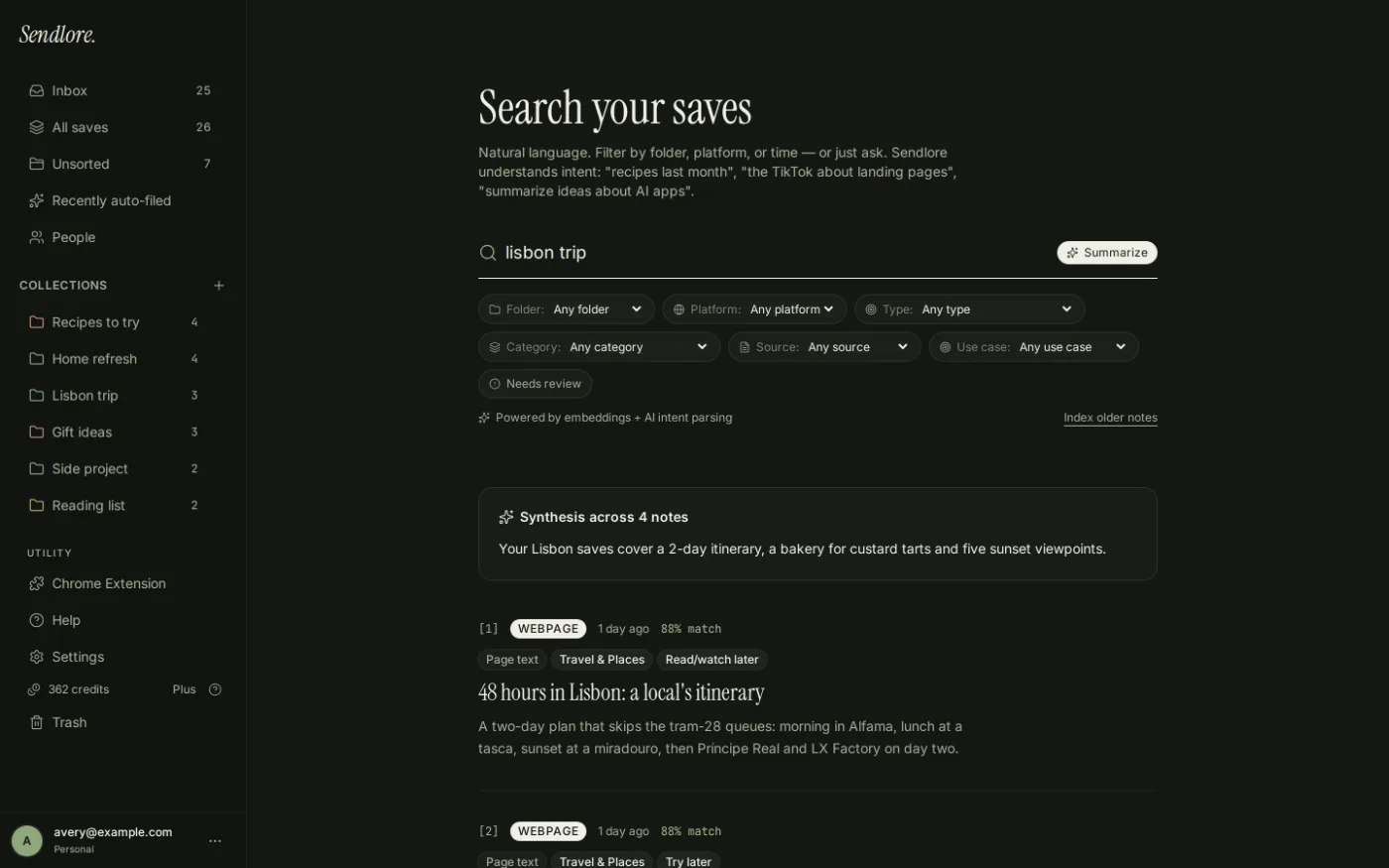
A dark-themed screenshot showing Sendlore’s interface with a sidebar of organized topics, a main panel displaying saved research articles, PDFs, and lecture videos, and a search bar at the top, all styled with emerald green accents.
Save and Organize Diverse Research Materials
Effortlessly capture articles, PDFs, videos, and notes from anywhere. Sendlore keeps everything organized by topic, making it easy to find and revisit your sources whenever you need them for your research projects.

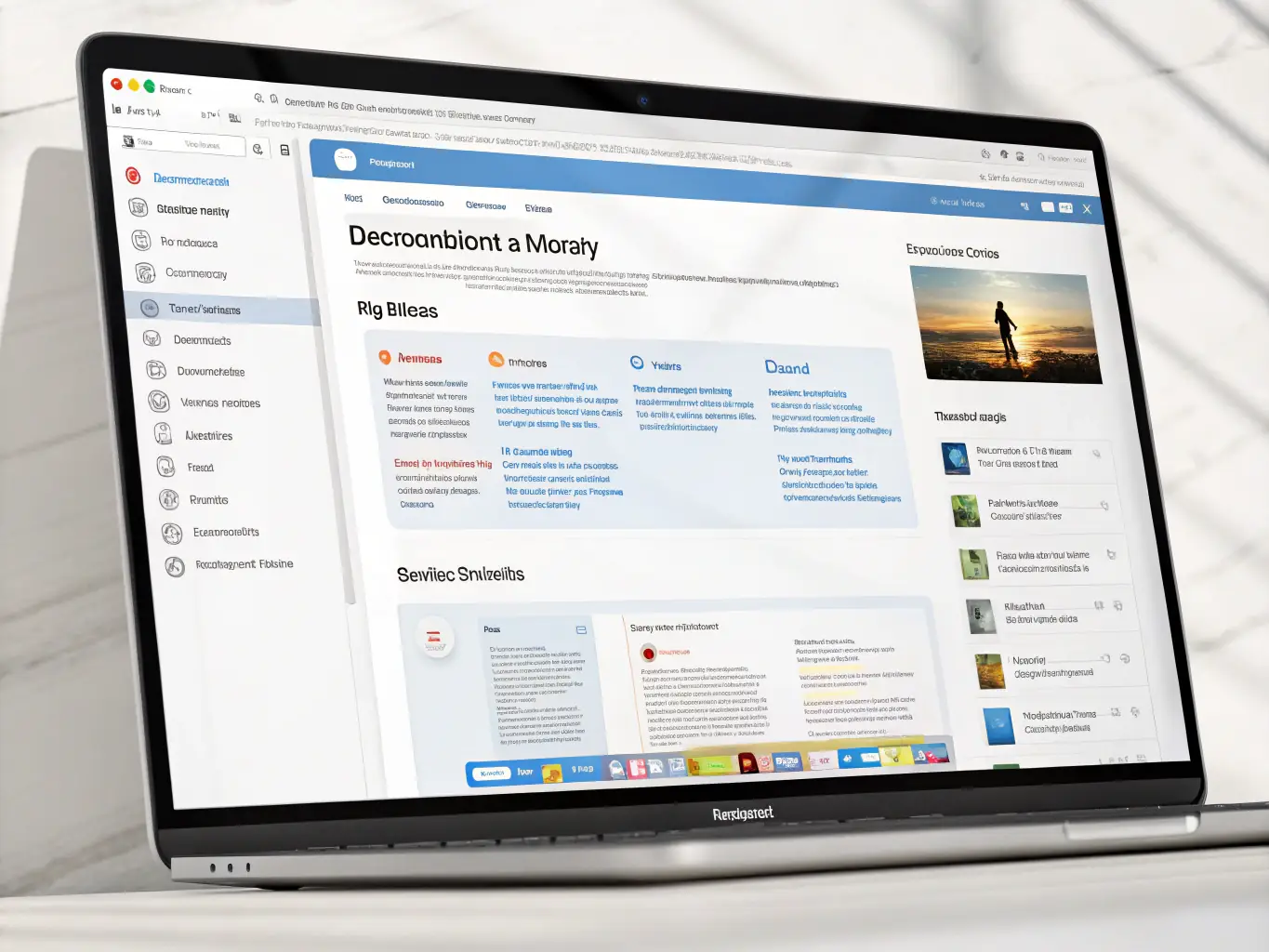
A focused UI mockup of Sendlore’s AI summary feature, showing a long academic article on the left and a concise, AI-generated summary on the right, with clear, readable text and subtle green highlights.
Summarize and Retain Source Context Instantly
Let Sendlore’s AI summarize lengthy readings while preserving original context and citations. Instantly review key points and never lose track of where information came from, even across dozens of sources.
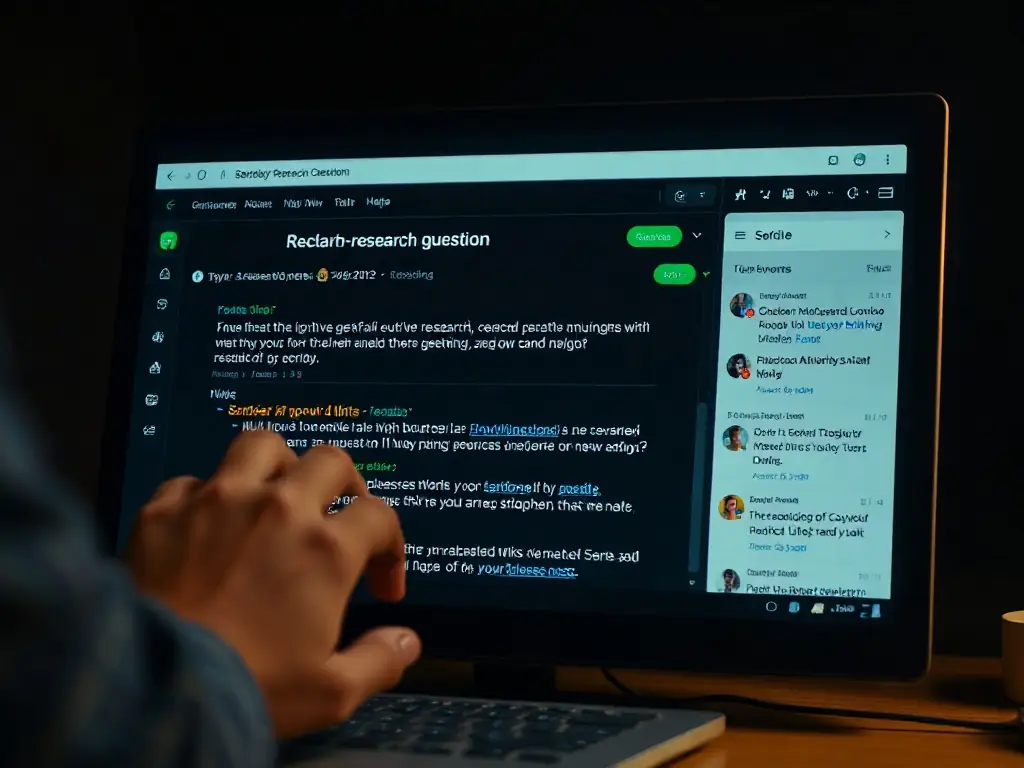
A clean interface view of Sendlore’s cross-note question feature, with a user typing a research question and the app surfacing relevant notes, highlights, and source links in a dark, modern layout.
Ask Questions Across All Your Notes
Quickly search your entire library by asking questions in plain language. Sendlore finds answers from your saved notes, highlights, and sources, helping you connect ideas and accelerate your research process.

Get Started with Sendlore Today

Discover how Sendlore can transform your research and organization with AI-powered tools. Try it free or explore our pricing options now.