What We’re Building Right Now

Our team is actively refining core features and building new tools to make Sendlore and future Nero Niche apps more powerful and seamless. We’re committed to rapid iteration, transparent updates, and listening to your feedback as we shape the next generation of productivity software.
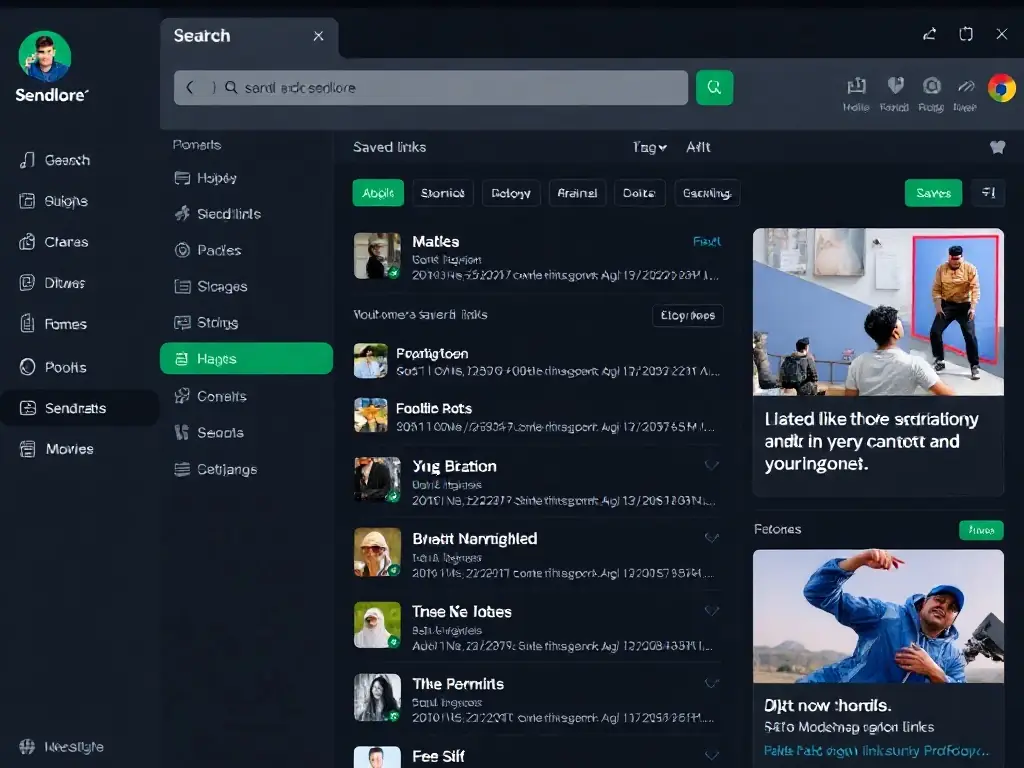
A dark-themed UI screenshot showing the Sendlore app with an open sidebar, a search bar, and a list of saved links and notes, with emerald green highlights and clean card layouts.
Unified Search Across All Content
We’re enhancing Sendlore’s search to instantly find links, notes, files, and transcripts in one place. This update will make it easier to retrieve anything you’ve saved, no matter the format or source.
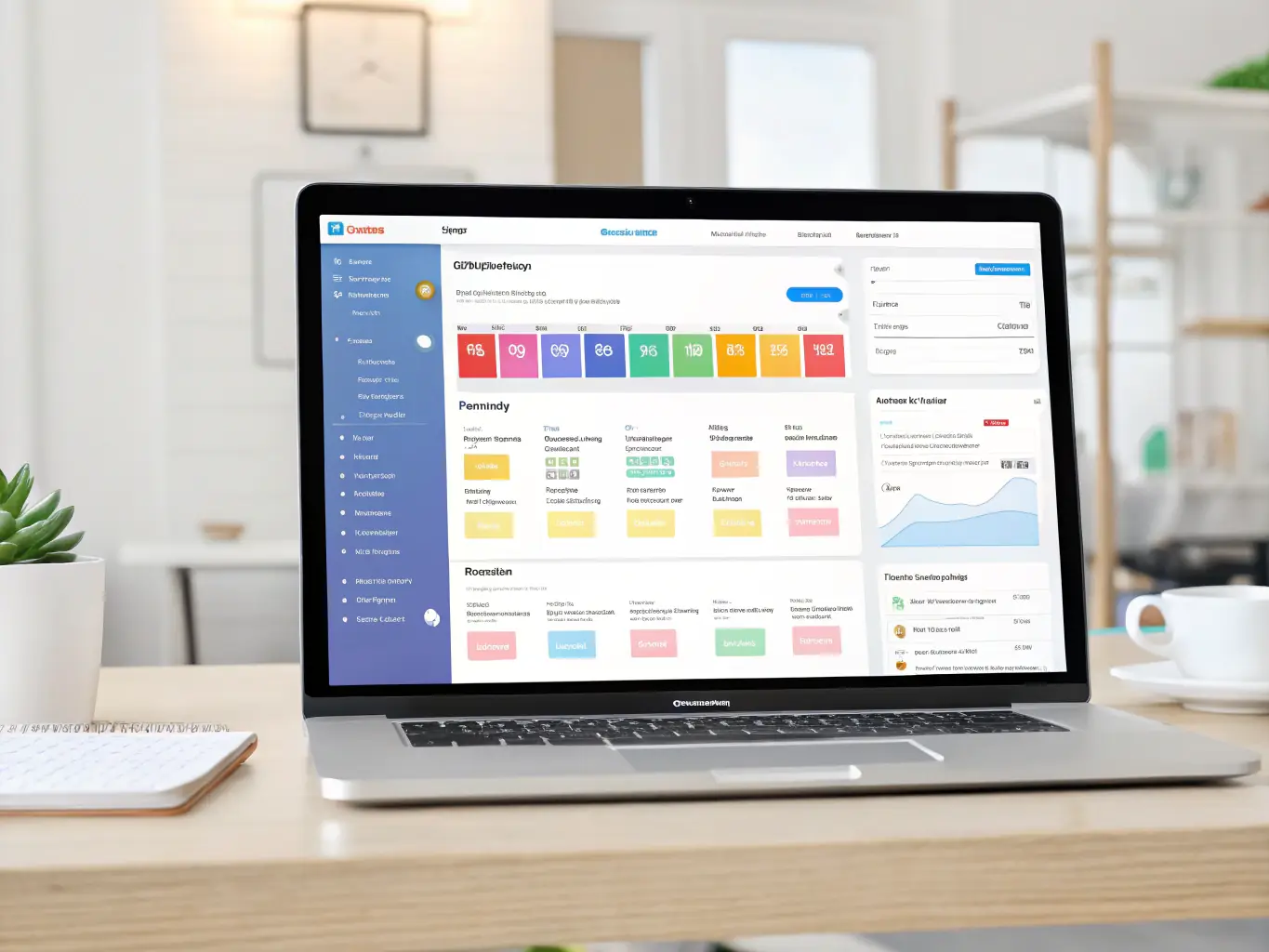
A modern dashboard mockup with a drag-and-drop interface, showing users organizing files and notes into folders, with subtle gradients and minimal animation.
Smarter Organization Tools
New drag-and-drop folders and AI-powered tagging are coming soon, making it effortless to keep your digital knowledge base tidy and accessible. Stay tuned for smarter, more flexible organization options.
A focused image of a notification bell icon with a glowing emerald accent, set against a near-black background, representing real-time updates and alerts.
Real-Time Collaboration & Alerts
We’re building real-time notifications and shared spaces so teams can collaborate, comment, and stay updated as information flows in. These features are designed for fast-moving, modern workflows.
Upcoming Features and Planned Enhancements

We’re committed to continuous improvement at Nero Niche. Here’s a preview of the features and updates we’re actively planning for Sendlore and our future apps. Your feedback shapes our roadmap—expect smarter workflows, deeper integrations, and more ways to organize your digital world.
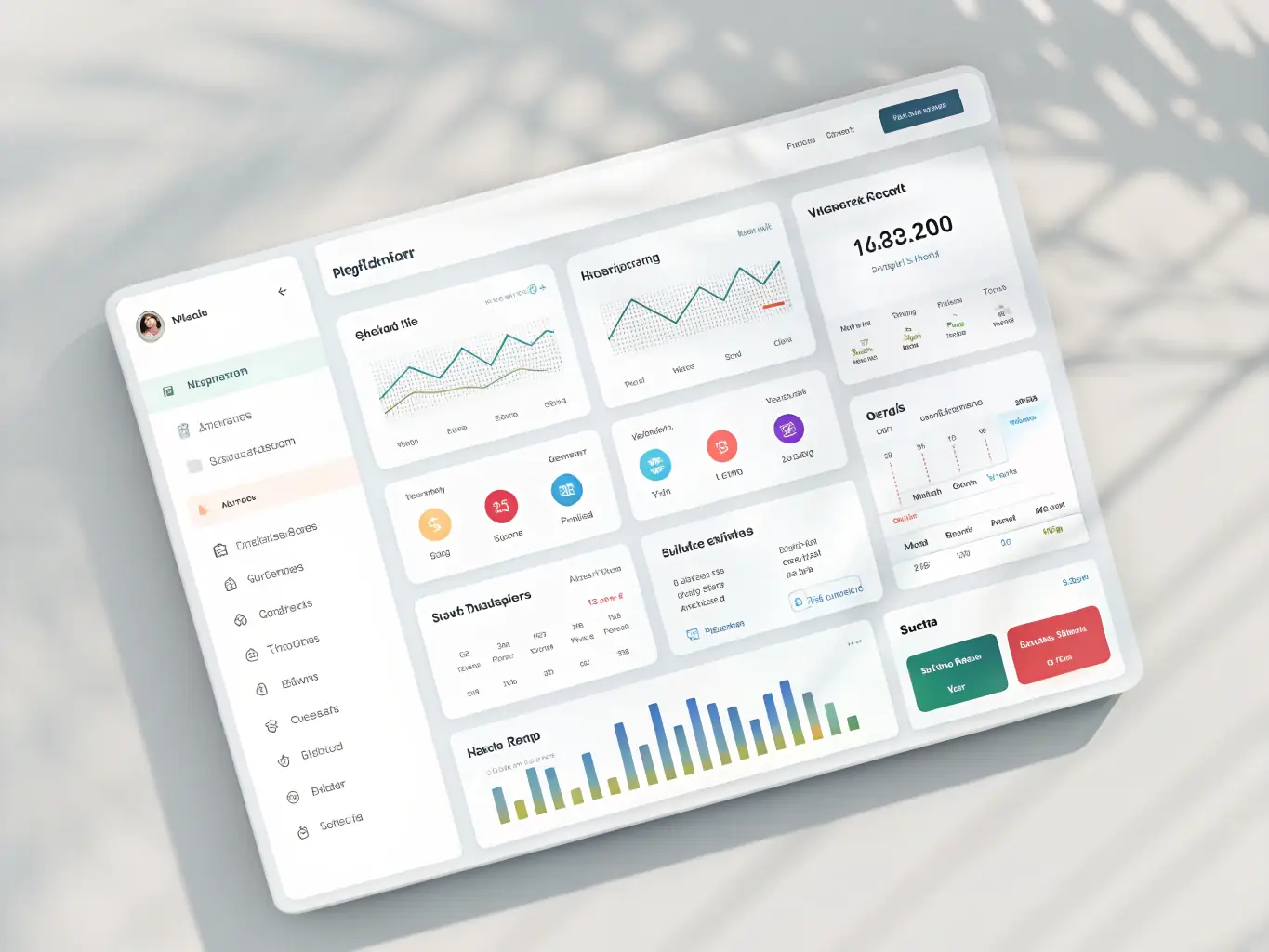
A sleek dark-themed dashboard mockup showing a new AI-powered tagging system in Sendlore, with emerald green highlights and clean UI elements, representing an upcoming feature for smarter content organization.
AI-Powered Tagging and Smart Organization
Soon, Sendlore will automatically suggest tags and organize your saved content using advanced AI, making it easier to find and manage information without manual effort. Stay tuned for a more intuitive experience.
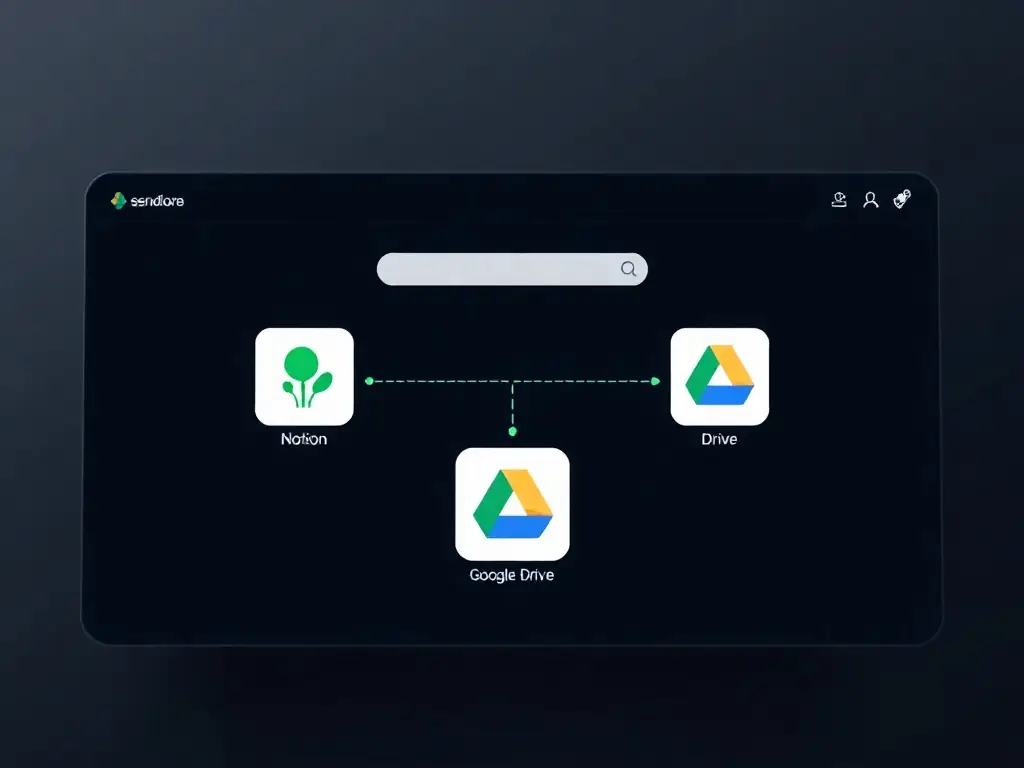
A modern interface concept of Sendlore displaying seamless integration with popular productivity tools like Notion and Google Drive, set against a premium dark background with subtle green accents.
Integrations With Leading Productivity Platforms
We’re building direct integrations with tools like Notion, Google Drive, and Slack, so you can capture, sync, and access your knowledge across your favorite platforms. Connect your workflow with just a few clicks.
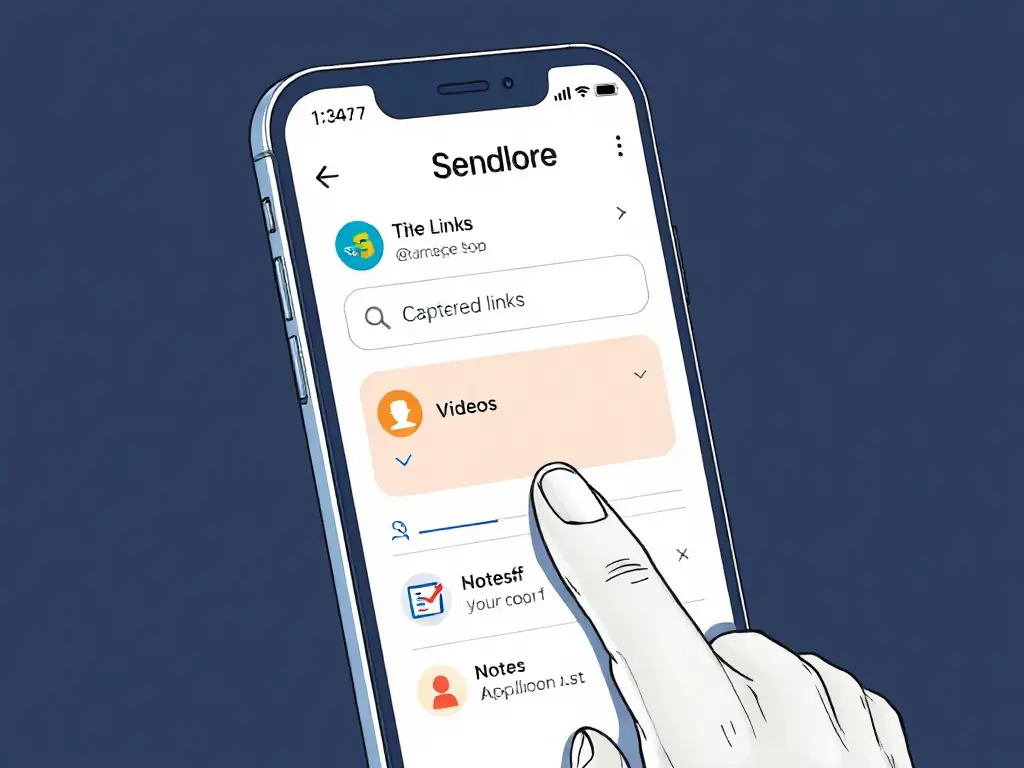
A visual of a mobile app prototype for Sendlore, showing a user-friendly interface for capturing and searching saved content on the go, styled in Nero Niche’s signature dark theme.
Mobile App for On-the-Go Knowledge Capture
A dedicated Sendlore mobile app is in the works, letting you save, search, and organize information from anywhere. Enjoy the same powerful features and privacy, optimized for your phone or tablet.

What’s New: Recent Feature Releases & Updates

Stay up to date with the latest improvements from Nero Niche. We’re constantly shipping new features and enhancements to make your digital workflow smoother, smarter, and more organized. Explore what’s just landed in Sendlore and our platform ecosystem.
A sleek UI screenshot of Sendlore’s new AI-powered search interface, with a dark background, emerald green highlights, and a search bar showing smart suggestions.
AI-Powered Search Arrives in Sendlore
Quickly find saved links, notes, and files with our new AI-driven search. Instantly surface relevant content using natural language queries—no more digging through folders or endless scrolling.
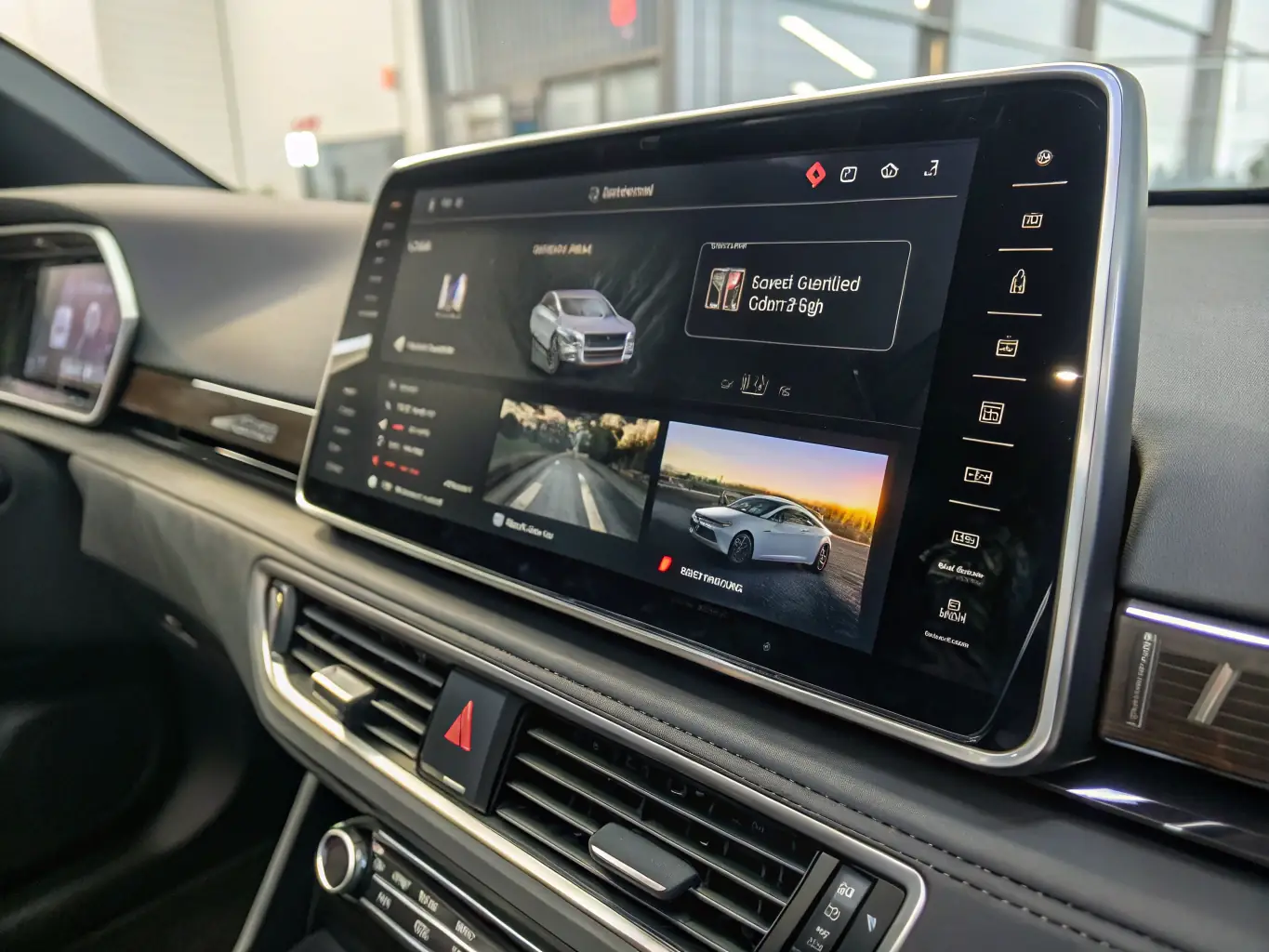
A modern dashboard view showing Sendlore’s new multi-format capture modal, with icons for links, videos, files, and notes, styled in a premium dark theme.
Unified Capture for All Content Types
Save links, videos, files, and notes from anywhere with a single, unified capture tool. Streamline your workflow and keep everything organized in one place, accessible across devices.
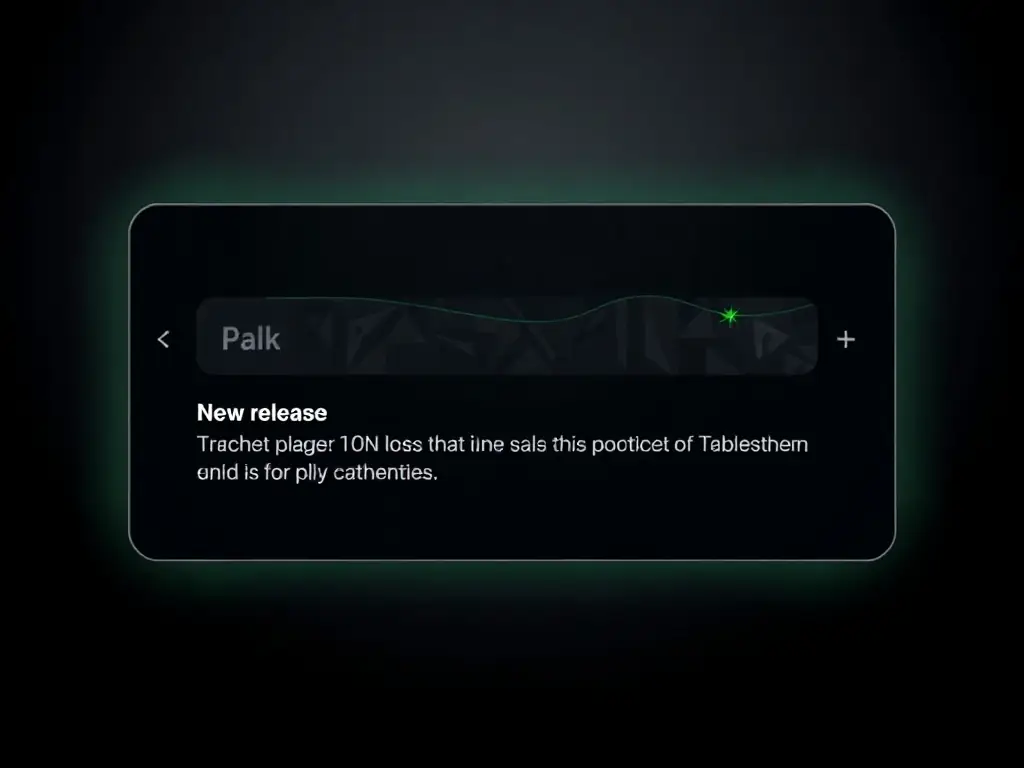
A notification panel mockup displaying a new release announcement, with subtle gradients and green accent highlights, on a near-black interface.
Release Notifications & Changelog Feed
Never miss an update—get in-app notifications for new features, improvements, and bug fixes. Review the full changelog directly inside Sendlore to stay informed.